We only use cookies to enhance your experience. No cross-site tracking, no ads. Read our Cookie Policy.
Changelog.
New features, improvements, and fixes from the Supercut team.
10 July 2026
A faster editor.
We rebuilt the Supercut Editor’s playback engine from the ground up. Scrubbing, previewing, and playback are now noticeably smoother — especially on longer videos and heavier timelines.
Also in this release:
- Timeline zoom now stays anchored to your playhead instead of jumping
- Clearer timeline markers
8 July 2026
One-click sign-in for Supercut MCP.
Connecting Supercut to your AI tools no longer means copying API tokens around. Sign in with OAuth — click connect, approve, done.
- OAuth sign-in for Claude Code, Cursor, VS Code, Codex, Opencode, and any other MCP client
- Agents can now write, not just read — add recordings to a stack directly from your AI tool
- Every tool now declares what it does, so your agent knows what’s safe to call without asking
15 June 2026
Workspace-wide link expiry.
Following on from per-video expiry: admins can now set a default expiry for every public link created in the workspace, so sensitive videos don’t stay open by accident. Individual videos can still be adjusted on top of it.
Also for Enterprise: default sharing permissions are now workspace-controlled.
5 June 2026
Set expiry date on public videos.
We’ve added the ability for users to set an expiry date on the “Anyone with link” permissions on videos.
5 June 2026
macOS recorder v1.0.892
Audio
- Updated mono / stereo handling for Pro mics
Memory & long recordings (big performance update)
- Improved memory while recording — fixed apple related observer bugs
- Database tuned for long sessions
Auth & sign-in reliability
- Improved auth flow
- Widget shows a clear auth warning
Recording stability
- Fixed a desynced upload counter that could wedge uploads until an app restart
- Camera/audio re-attach properly on subsequent recordings in camera-only mode
- Audio meter no longer leaks helpers when metering is cancelled
Stability & updates
- Improved update handling
- Recordings auto-stop cleanly if your Mac goes to sleep
- More reliable global hotkeys
- Recording auto-pauses (with options shown) if your microphone disconnects mid-recording
- Multi-display setups work reliably even with duplicate names
18 May 2026
Supercut MCP / API.
Connect Supercut to AI tools like Claude Code, Cursor, VS Code, Codex, or Opencode so they can read your Supercuts, transcripts, comments, reactions, frames, stacks, and more…

10 May 2026
New permissions.
We recently rolled out a significant overhaul of video permissions on Supercut. Before you share your next video, here’s what’s changed:
Edit permissions: Workspace admins no longer automatically have edit access to videos you share.Specific access: Beyond general workspace access, choose exactly who can view or edit your videos.Password protection is a separate setting. Add it on top of any sharing setting for extra protection on sensitive videos.
- Edit permissions: Workspace admins no longer automatically have edit access to videos you share.
- Specific access: Beyond general workspace access, choose exactly who can view or edit your videos.
- Password protection is a separate setting. Add it on top of any sharing setting for extra protection on sensitive videos.
9 April 2026
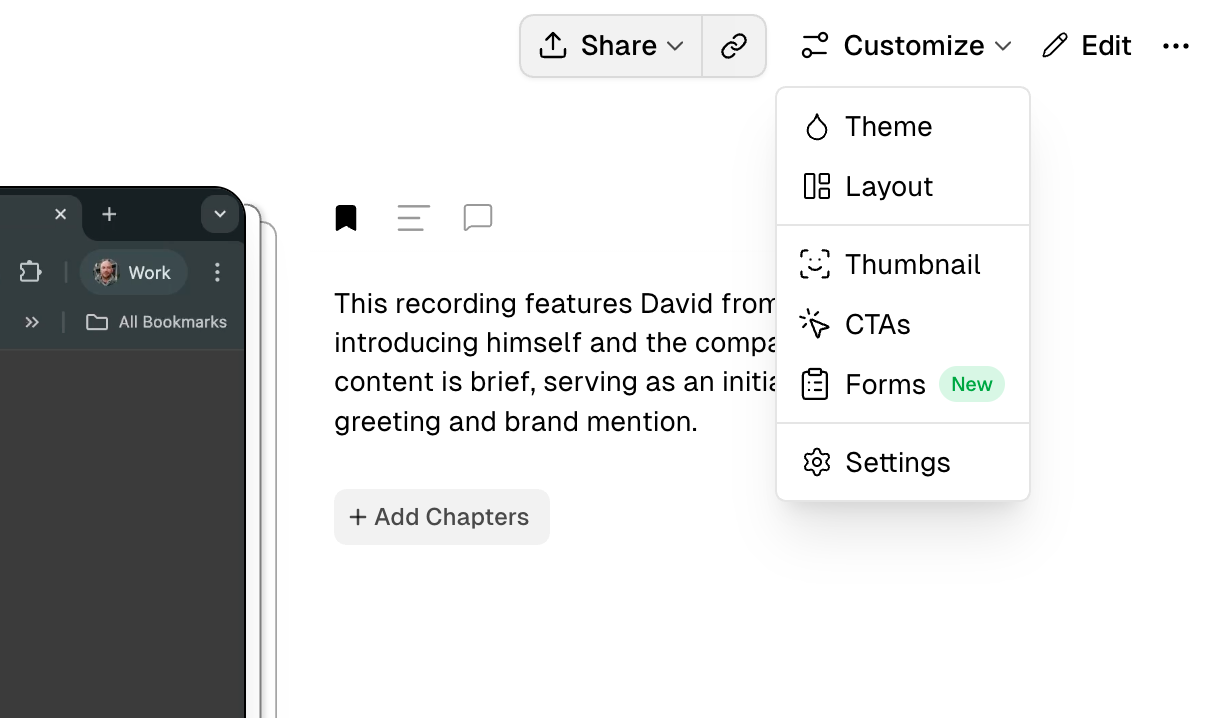
Forms.
Drop an interactive form at any point during your video. Multiple choice or Plain text responses supported.
9 April 2026
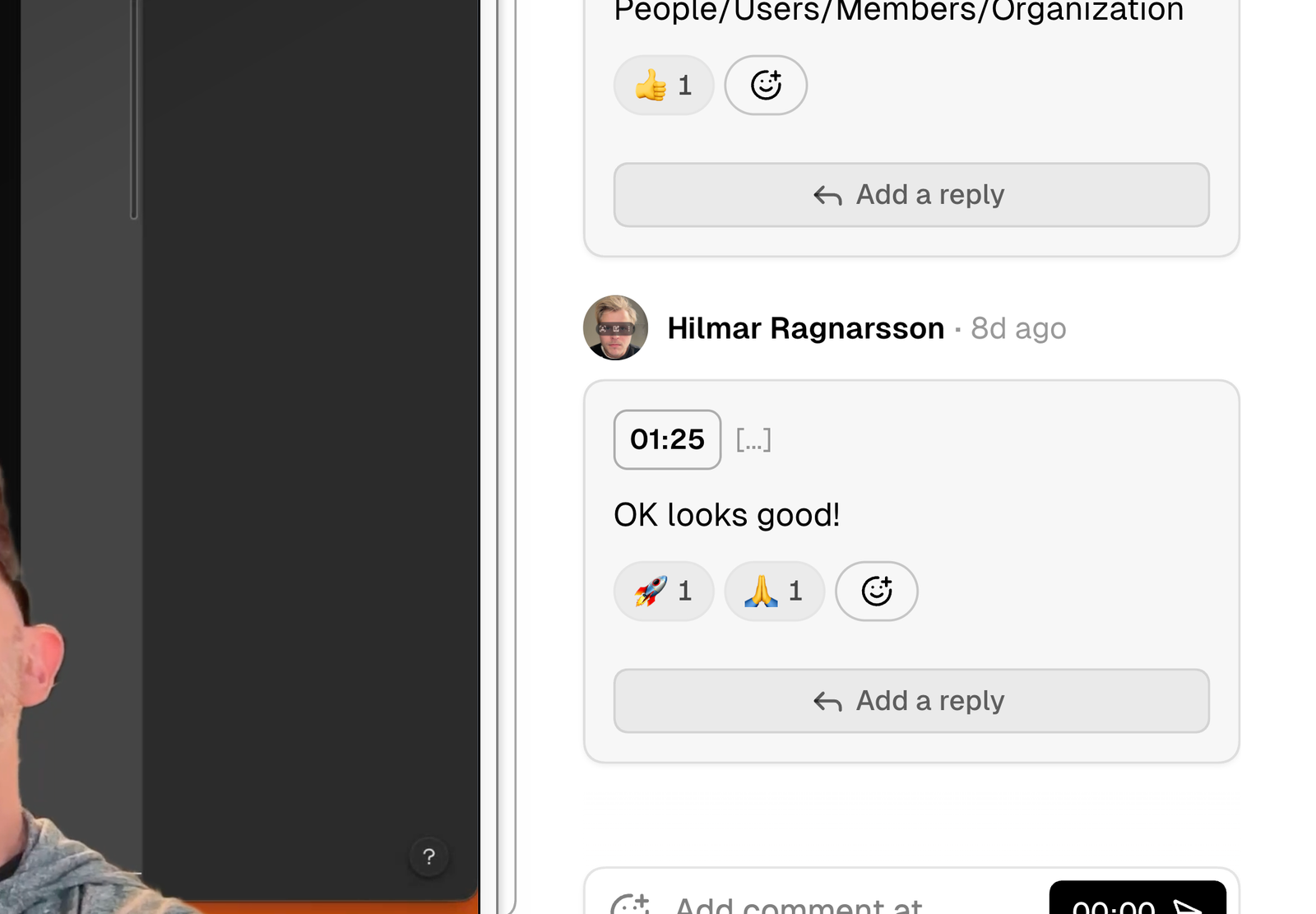
Undo / redo.
The Supercut Editor now includes undo and redo + some performance and bug fixes.
2 April 2026
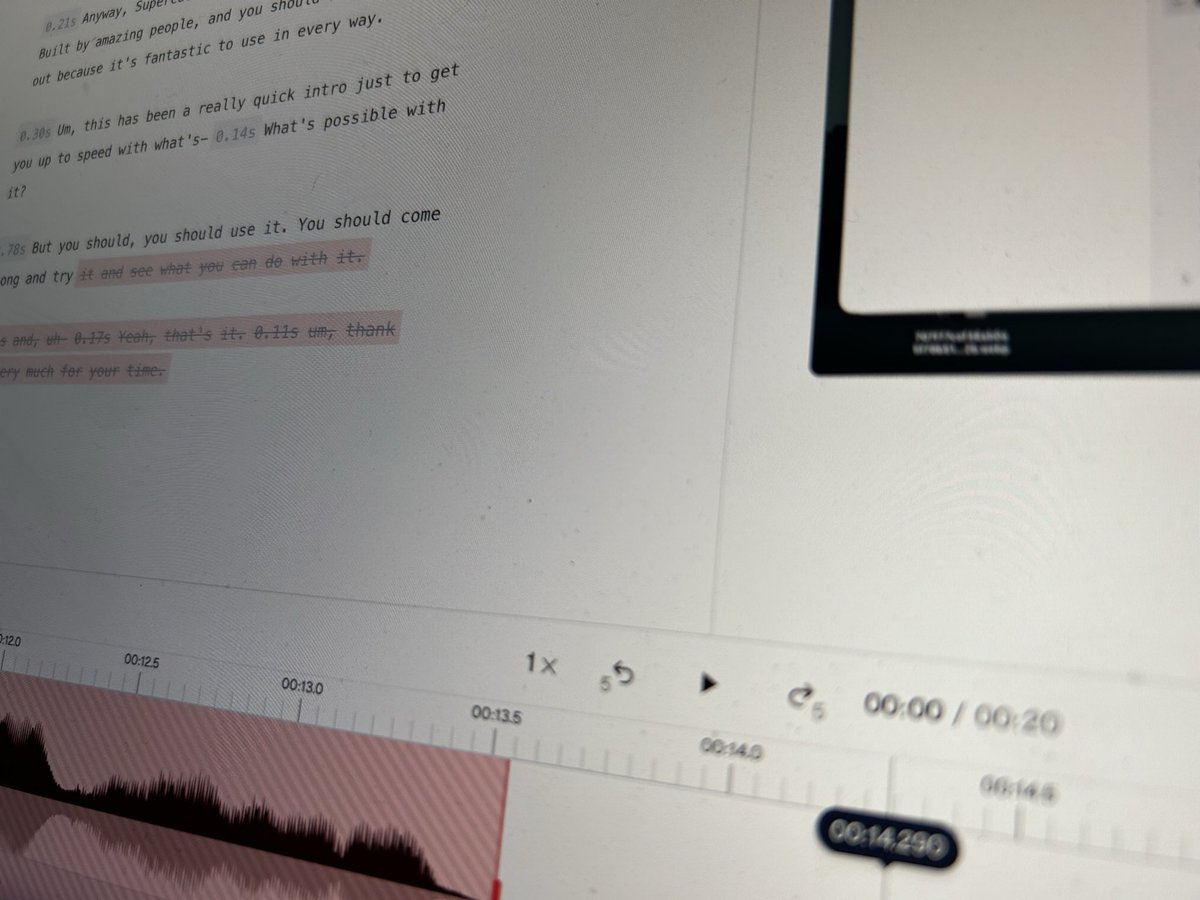
The Supercut Editor (beta).
Our biggest release of the year. The Supercut editor features transcript and timeline editing. We’ve also added layout changes and** zooms**.
17 March 2026
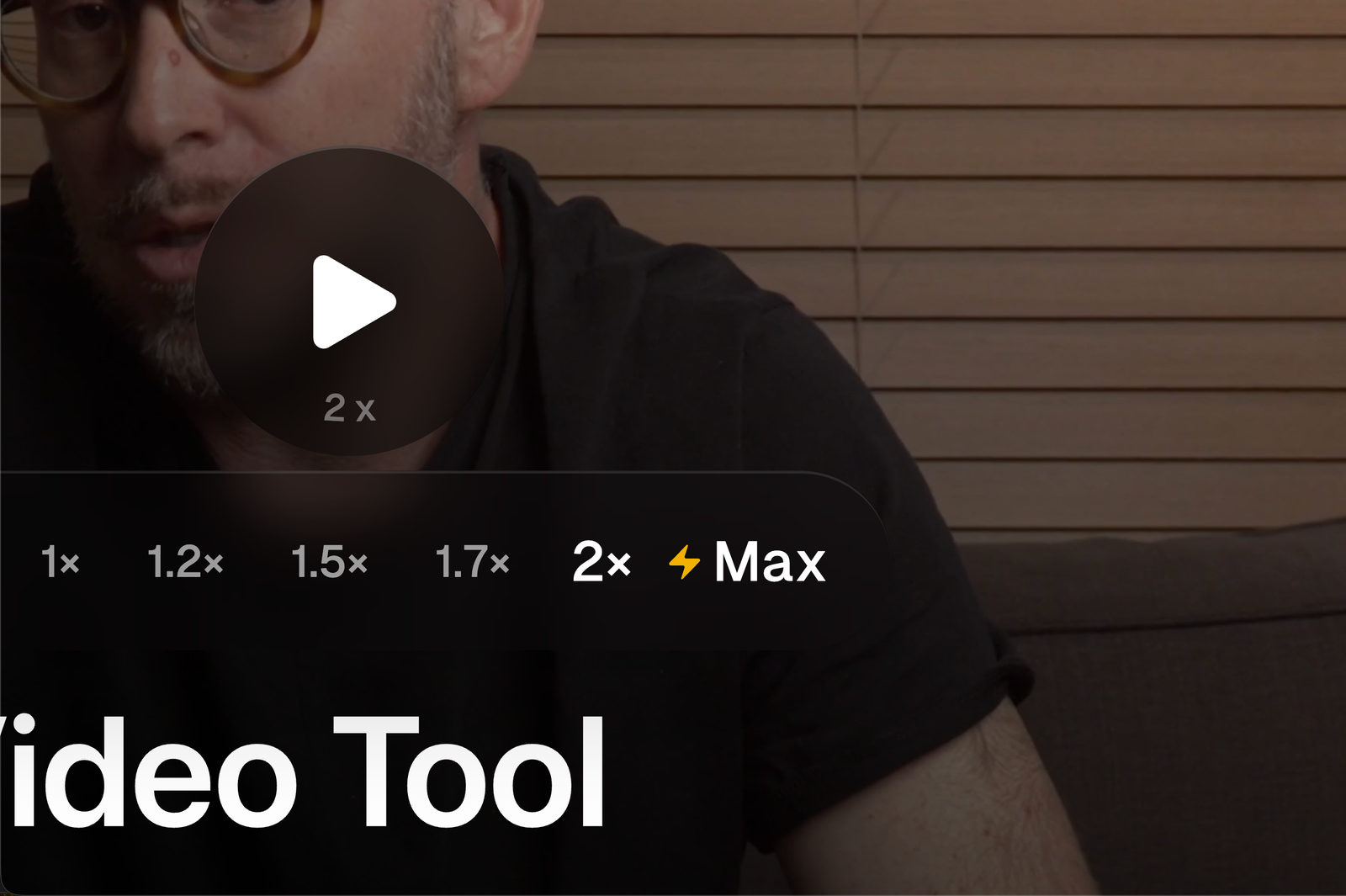
⚡️Max Speed.
Watch at the fastest pace your brain can handle. Max Speed dynamically calculates the highest comprehensible words per minute for any recording. It’s not a leisurely watch, but you'll blaze through content in record time.
11 March 2026
macOS recorder v1.0.890
System sound has finally landed in the macOS app. You can activate via the advanced settings in the app. We’ve also shipped a BETA feature allowing you to annotate whilst recording.
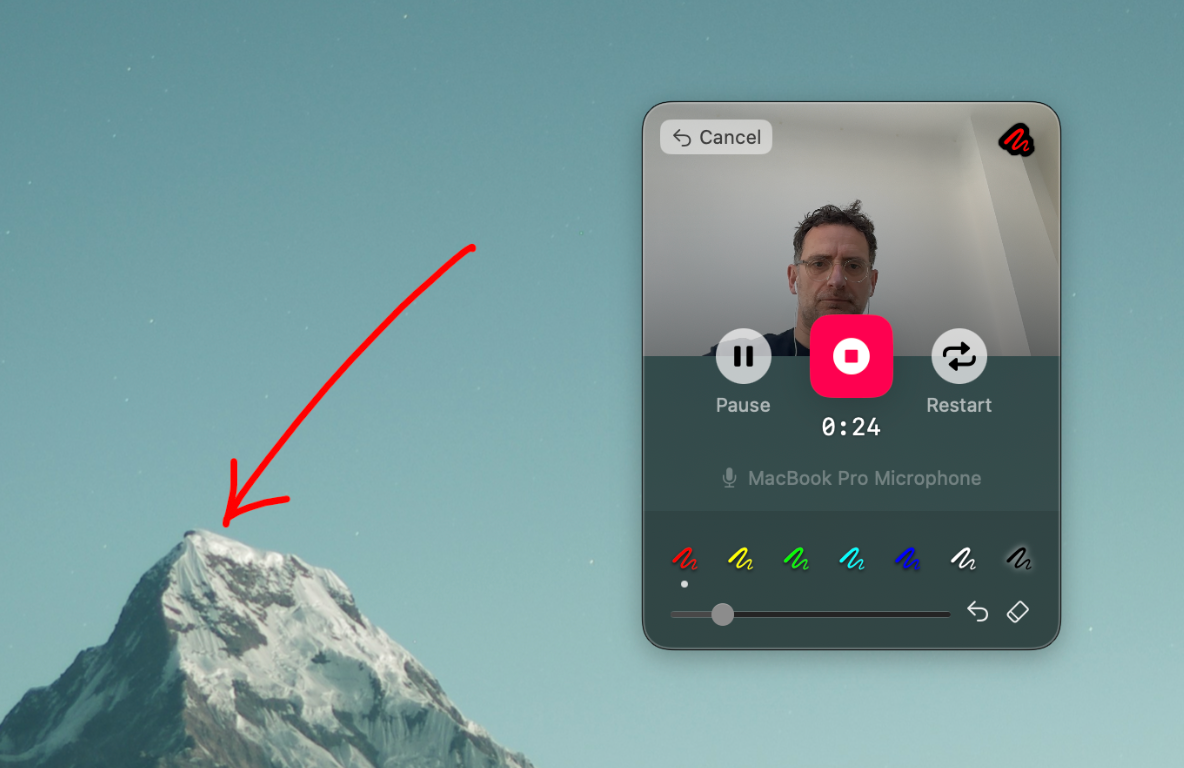
This release also comes with many improvements and bug fixes:
- System sound
- Annotation tool
- Updated recording view with details of Microphone and an Audio meter
- More sensible reporting of low disk space
- Addresses a MacOS beta bug around window handling
- Improved keyframe and colour profile handling
- Various bug fixes and improvements
25 February 2026
AI Assistant (Vision).
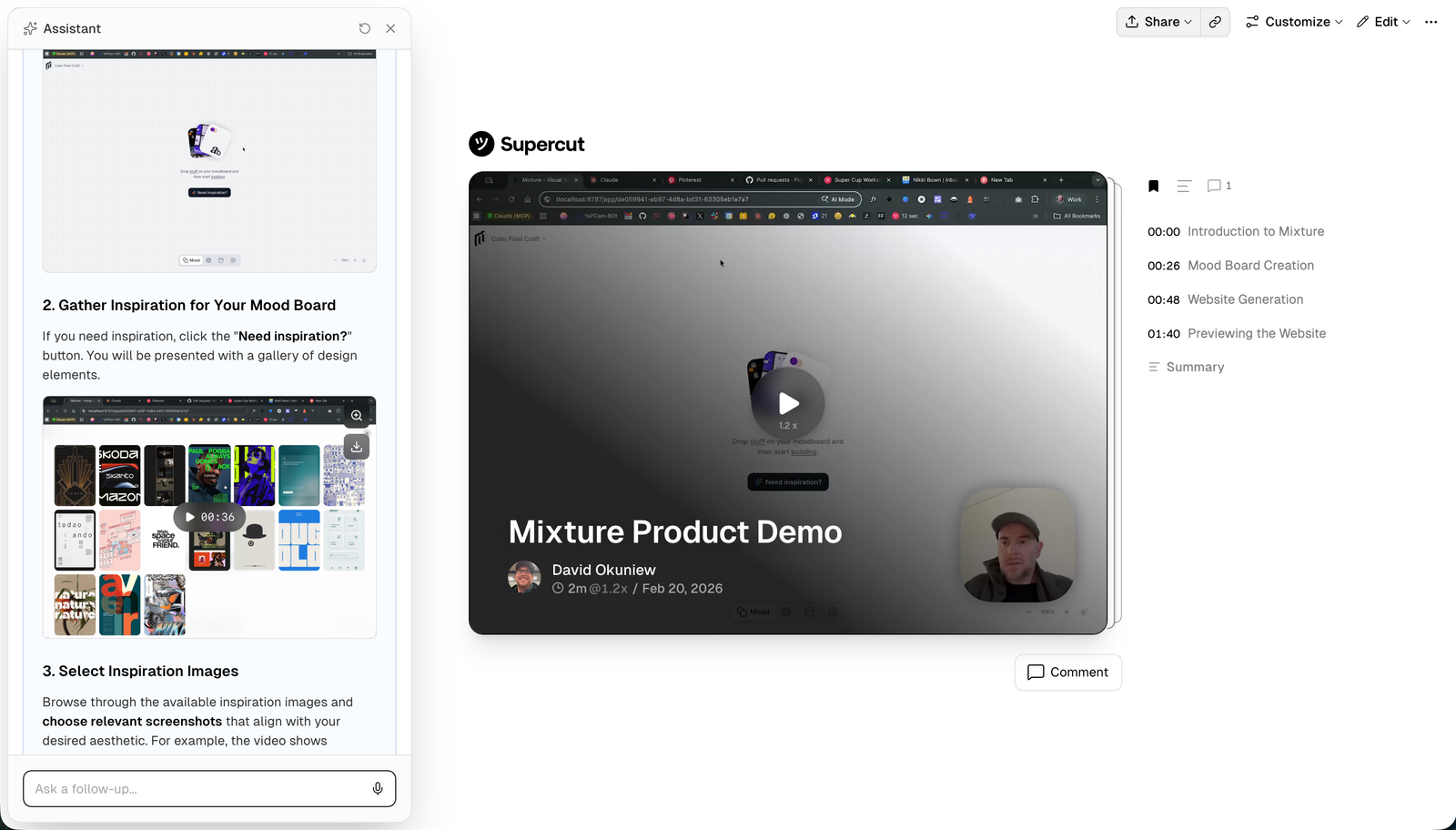
Our AI assistant that helps you answer questions or generate useful docs, has been upgraded to include vision. You assistant can now pull frames from your video in order to generate more contextual answers.
Vision —it can now see your videos for way better context
Frame pulling —surfaces relevant frames to illustrate its answers
New agent skill —record your screen & auto-generate a skill.md
9 February 2026
SOC 2 Type II.
We are happy to announce that Supercut is now SOC 2 Type II compliant. Visit our trust center.
23 January 2026
Engagement Analytics.
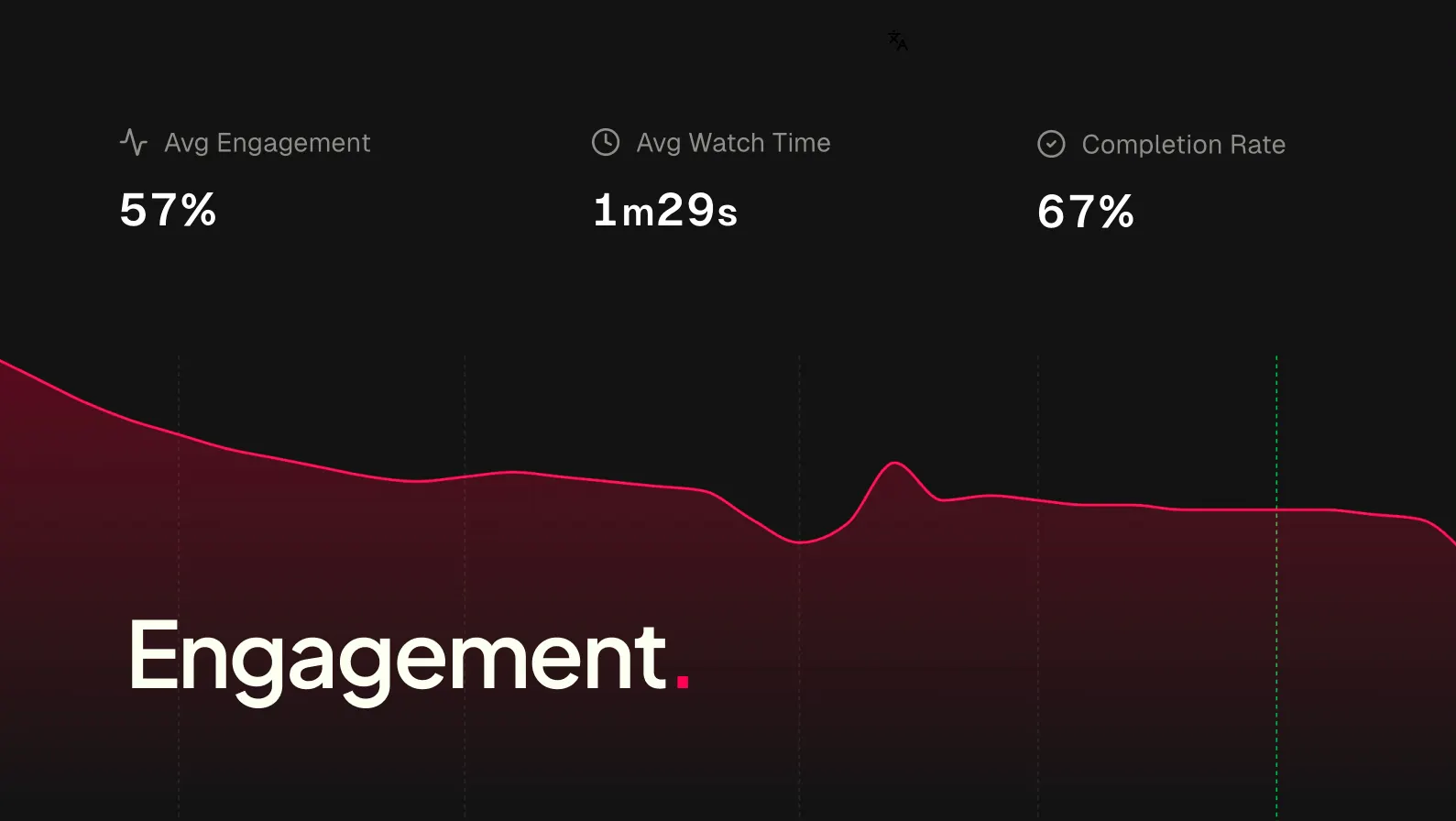
Track engagement rates globally or per viewer. See drop-off points, spot top-performing parts of the video, and refine with watch time and completion insights.
20 January 2026
AI Assistant.
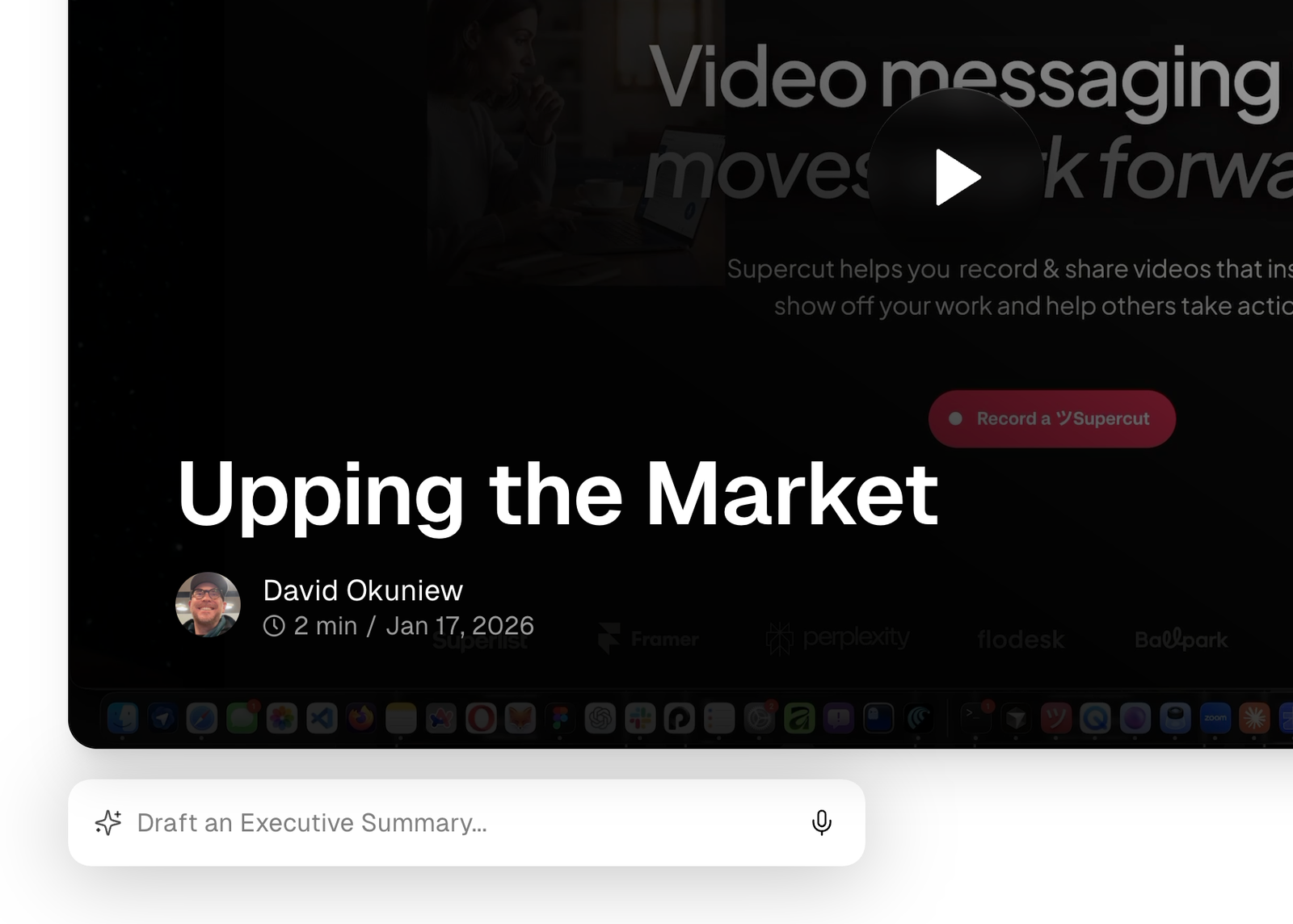
We just shipped our new AI assistant. Ask any question, dig deeper with chat , jump to relevant timecodes and generate any downloadable document.
9 January 2026
macOS recorder v1.0.889
Various improvements and bug fixes
- Improved upload handling
- Improved upload UX and responsiveness
- Improved handling for failed recordings during quit mid-recording
- Improved camera handling
5 December 2025
macOS recorder v1.0.888
Various improvements and bug fixes
- Fixes an edge case audio regression affecting a small number of Microphones.
- Improved upload handling & Messaging.
3 December 2025
New thumbnail layout (split-avatar).
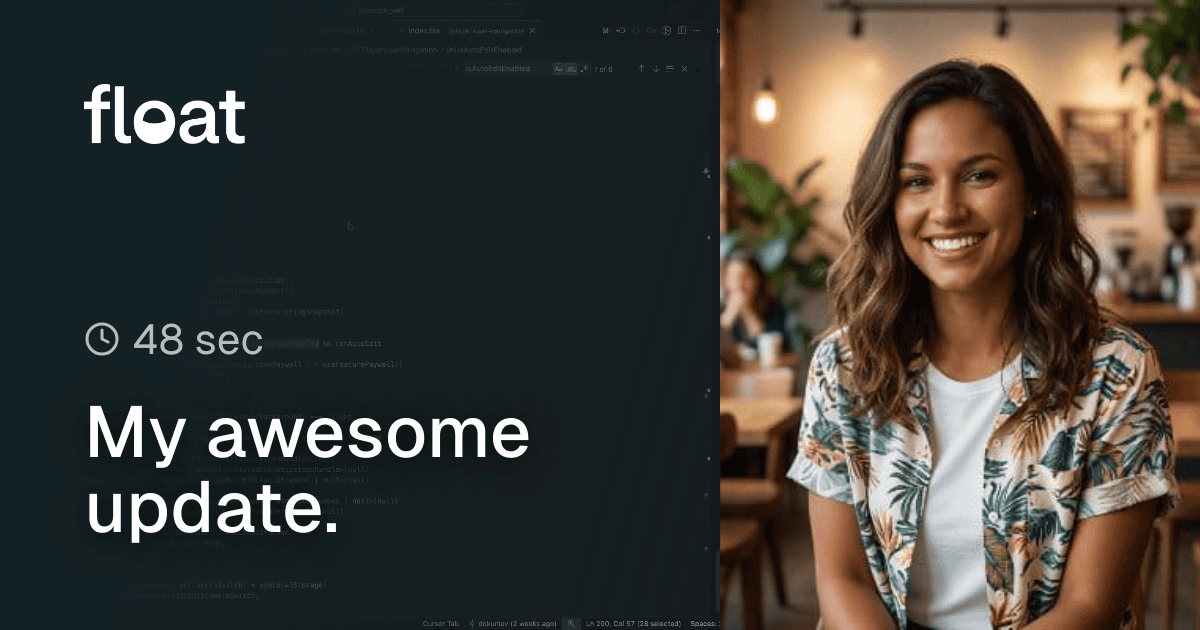
We’ve added a new thumbnail type which uses a split layout with your custom avatar which you can update in https://supercut.ai/account. Remember to set it as your default (https://supercut.ai/account/settings) if you want the same image to appear every time your share a video.