We only use cookies to enhance your experience. No cross-site tracking, no ads. Read our Cookie Policy.
Changelog.
New features, improvements, and fixes from the Supercut team.
2 December 2025
Viewer Seat (unlimited).
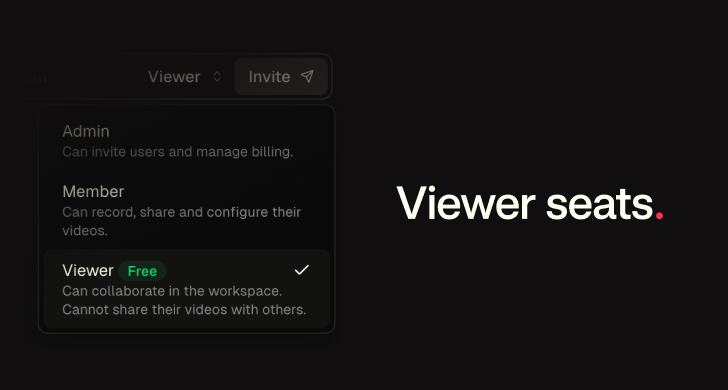
You can now add unlimited viewer seats to any workspace. Viewers can collaborate and view videos shared with “Workspace only” permissions. Viewers can also record, however a member seat is required to share.
1 December 2025
macOS recorder v1.0.885-887
Various improvements and bug fixes
- Improvements to audio handling.
- Improvements to device handling for camera and audio.
- Bug fix an edge case race condition when recording back to back.
- Bug fix critical update during recording
- Camera deadlock in specific flows
27 November 2025
Hide “Powered by ツSupercut”.
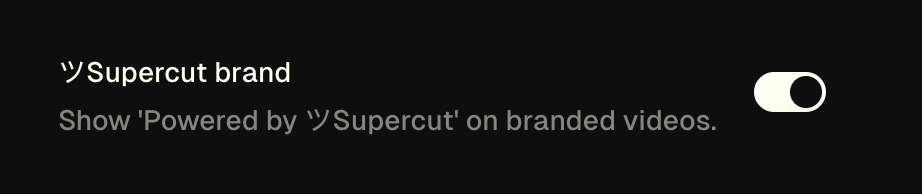
You can now remove the “Powered by ツSupercut” badge, via you workspace settings.
26 November 2025
Windows recorder v.1.0
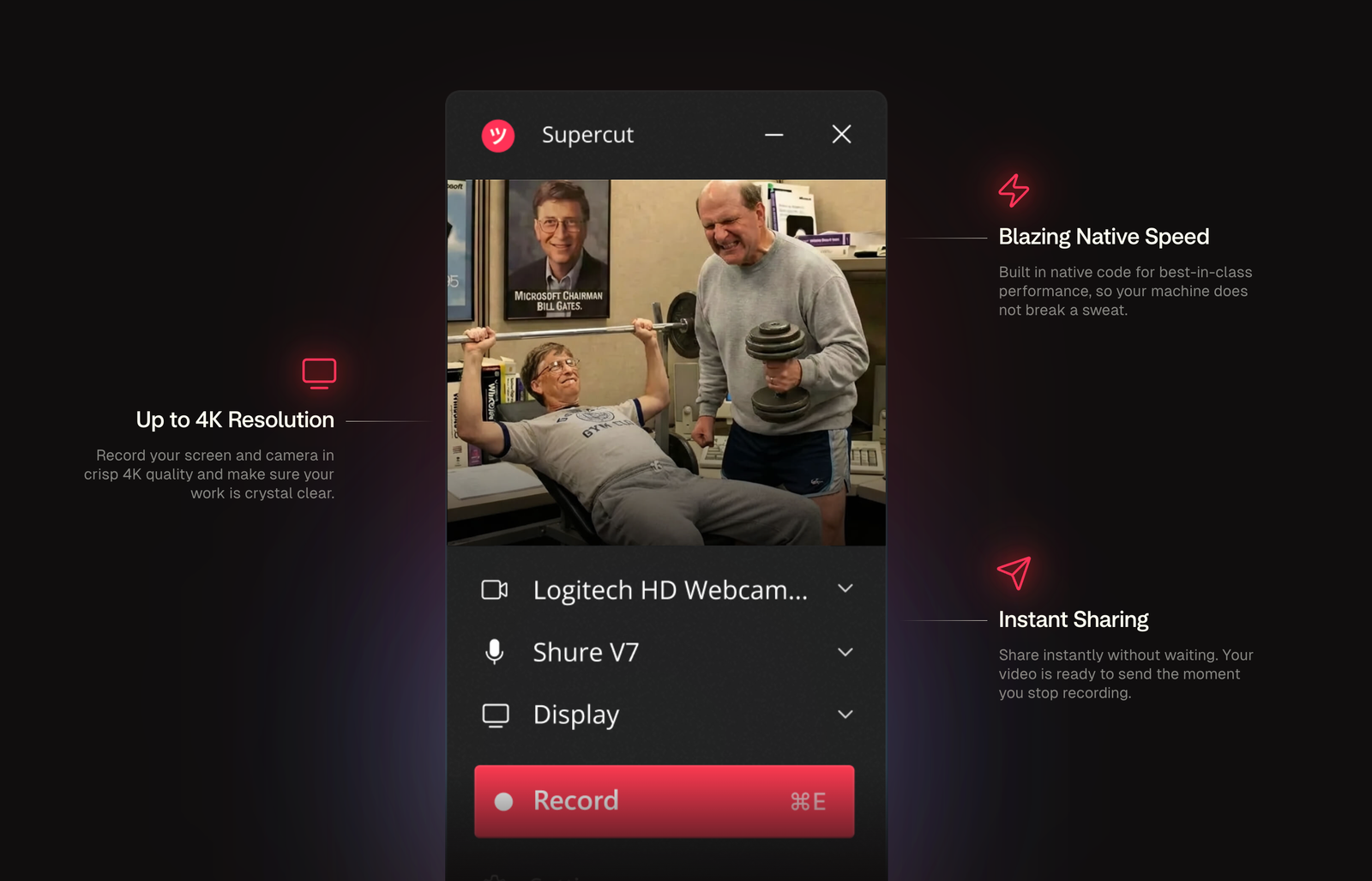
The ツSupercut native recorder for Windows is now officially launched
20 November 2025
Avatar creator.
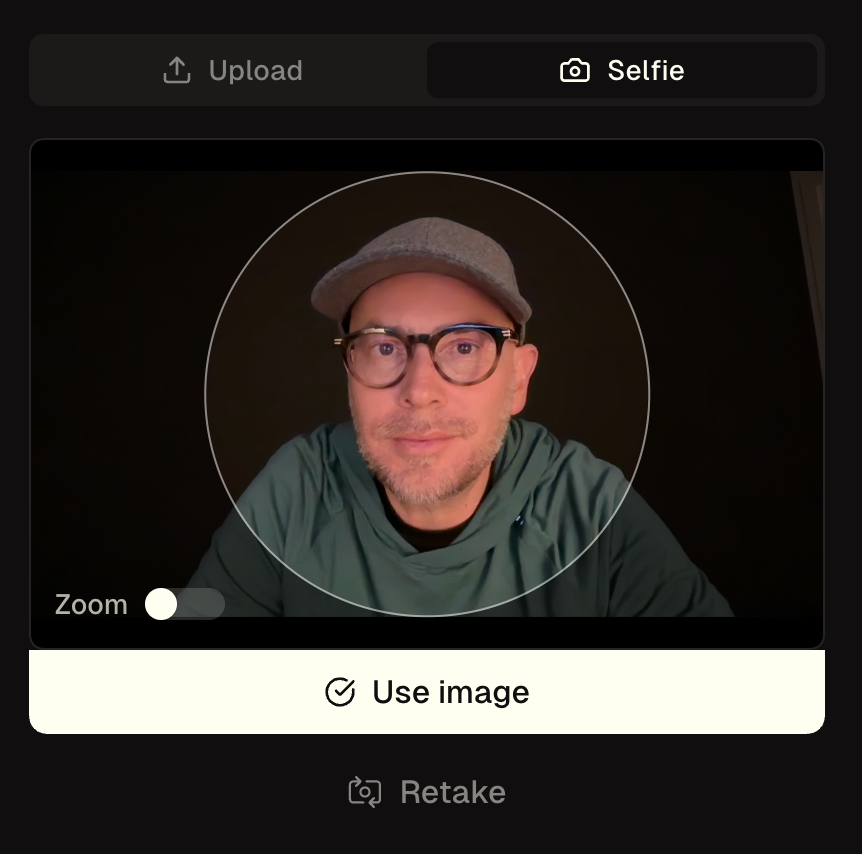
Create a custom avatar using our Avatar creator. Upload a file or just take a selfie.
23 October 2025
Windows recorder (beta) out now.
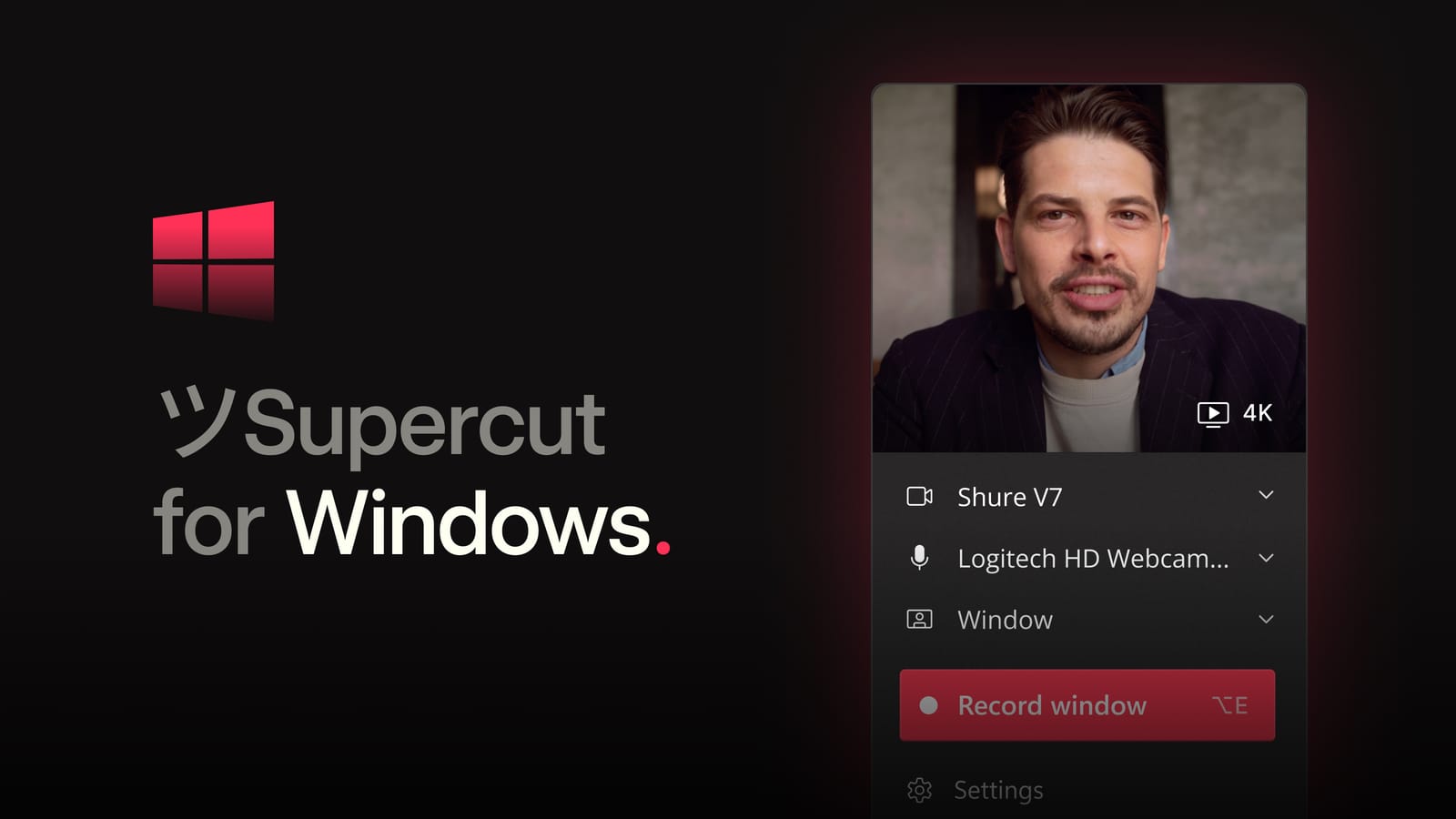
100% Fully native recorder for Windows is now ready for public beta testing.
https://apps.microsoft.com/detail/9phghx90hvlt?cid=changelog
22 October 2025
macOS recorder v1.0.881 → 1.0.883
Various improvements and bug fixes
- Improved/Defensive handling around storage provider outage issues
- Improved memory/cpu handling of upload management view
- Improved messaging when recording and closing a window
18 October 2025
More languages added.
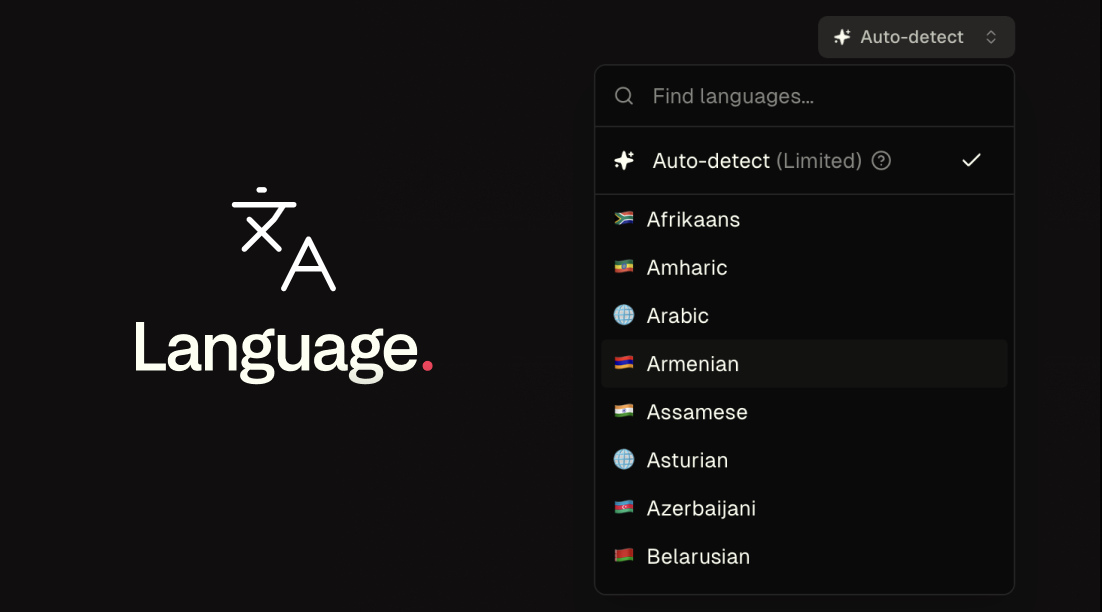
ツSupercut now speaks many more languages. We’ve expanded our list of supported languages to include:
- Afrikaans
- Amharic
- Arabic
- Armenian
- Assamese
- Asturian
- Azerbaijani
- Belarusian
- Bengali
- Bosnian
- Burmese
- Cebuano
- Chichewa
- Croatian
- Filipino
- Fulah
- Galician
- Ganda
- Georgian
- Greek
- Gujarati
- Hausa
- Hebrew
- Icelandic
- Igbo
- Irish
- Javanese
- Kabuverdianu
- Kannada
- Kazakh
- Khmer
- Kurdish
- Kyrgyz
- Lao
- Lingala
- Luo
- Luxembourgish
- Macedonian
- Malayalam
- Maltese
- Māori
- Marathi
- Mongolian
- Nepali
- Northern Sotho
- Occitan
- Odia
- Pashto
- Persian
- Punjabi
- Serbian
- Shona
- Sindhi
- Slovenian
- Somali
- Swahili
- Tajik
- Tamil
- Telugu
- Umbundu
- Urdu
- Uzbek
- Welsh
- Wolof
- Xhosa
- Zulu
15 October 2025
macOS recorder v1.0.880
Various improvements and bug fixes
- Bug fix edge case retina reporting on secondary display for window selection
- Improved color profile handling
- Upload improvement and API handling
- Critical update feature
- Edge case upload multi-recording creation
- Adjusted CPU alerts
- Improved mouse handling
- Turned mouse and keyboard events on by default
- Additional disk space check
- Bug fix UI flash on progress/pending upload
- Improved memory handling
- Small improvements to upload management screens
- Added “pause release updates” during recording
- Fixed shortcuts formatting in the main recording button
- Fixed window title for settings
- Improved final chunk validation
29 September 2025
Uploads.
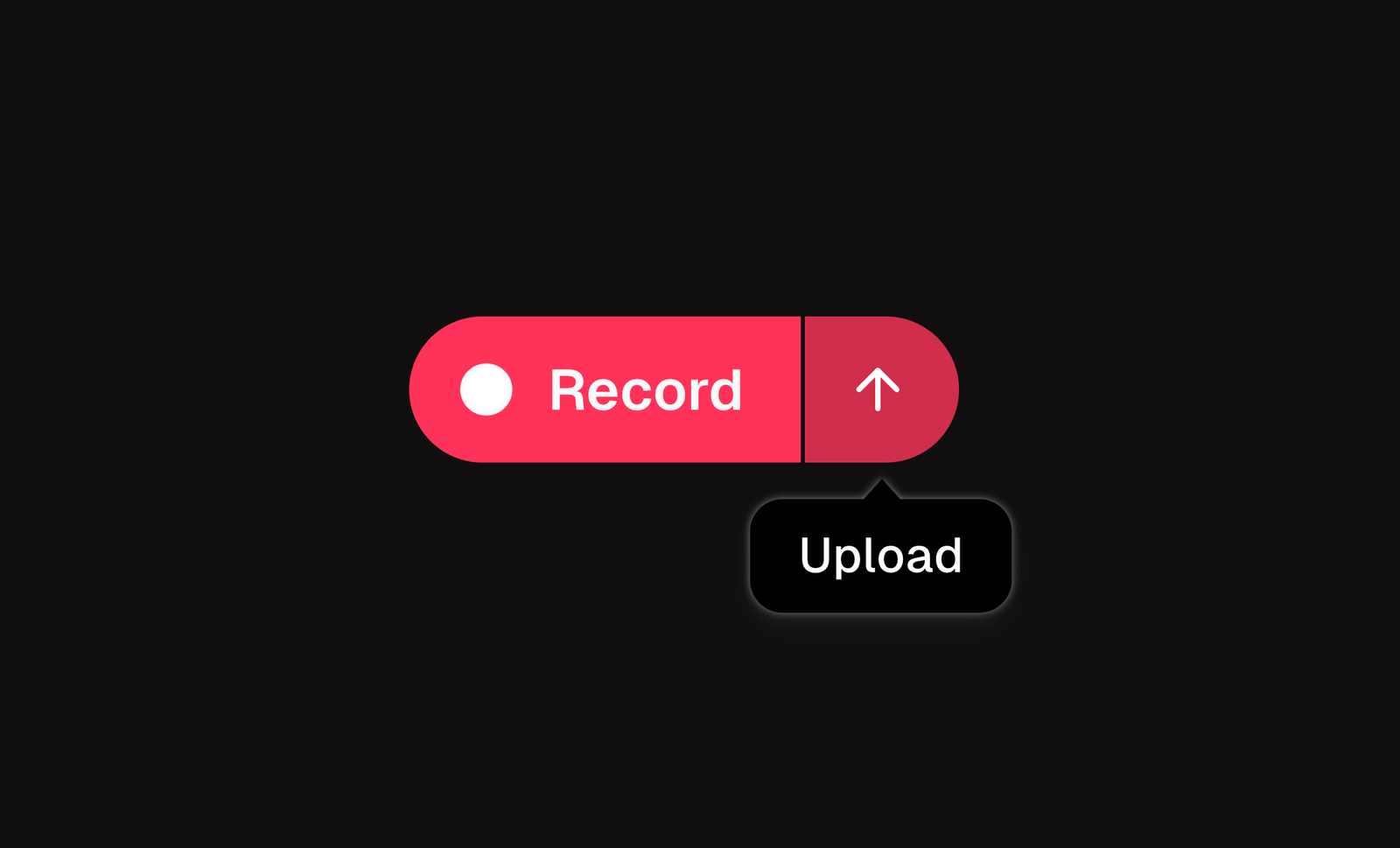
By popular demand, you can now upload any video file directly into ツSupercut.
22 September 2025
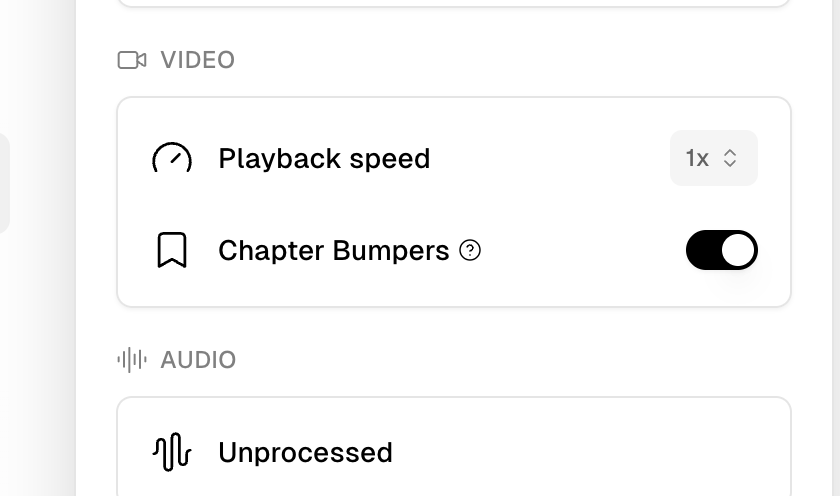
Chapter bumper settings.
Remove chapter overlays from your videos or set them as a default (ON/OFF)
20 September 2025
Auto-edit (Beta).
We’ve started gradually inviting people to test Auto-edit.
4 September 2025
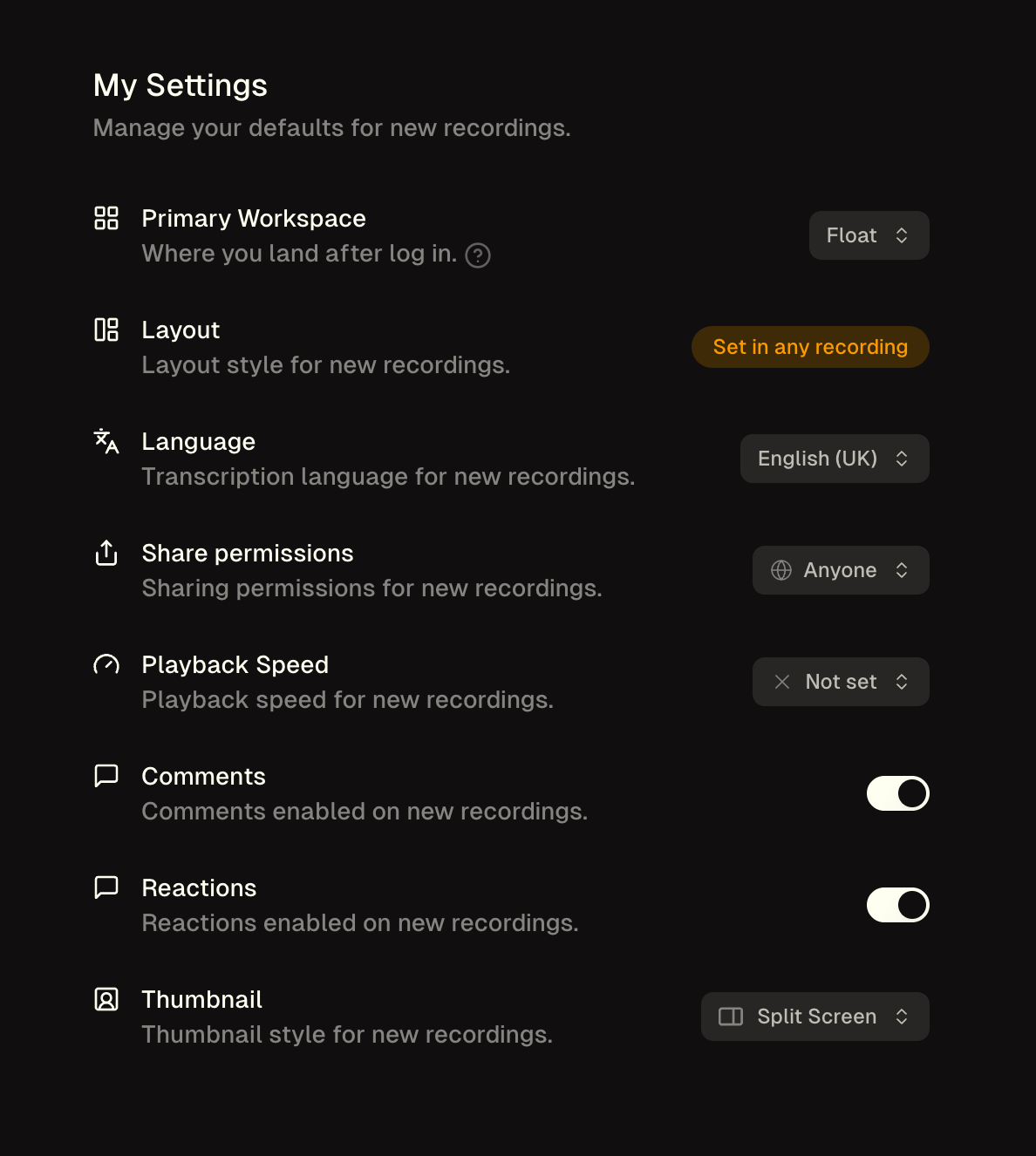
New defaults panel.
We’ve added a bunch of defaults to you user settings panel. Decide on your perfect ツSupercut set-up. https://supercut.ai/account/settings
27 August 2025
Edit meta description.
You can now edit the meta-description that is used when sharing on Socials, Slack or Teams.
26 August 2025
New notifications.
Added notifications when:
- You’re added to a Stack.
- A video hits a Stack that has been shared with you.
20 August 2025
Share stack with entire workspace.
Added a toggle that instantly shares a Stack with the entire workspace.
13 August 2025
1st view notification.
We now send a notification whenever you video is viewed for the 1st time.