We only use cookies to enhance your experience. No cross-site tracking, no ads. Read our Cookie Policy.
Changelog.
New features, improvements, and fixes from the Supercut team.
2 August 2025
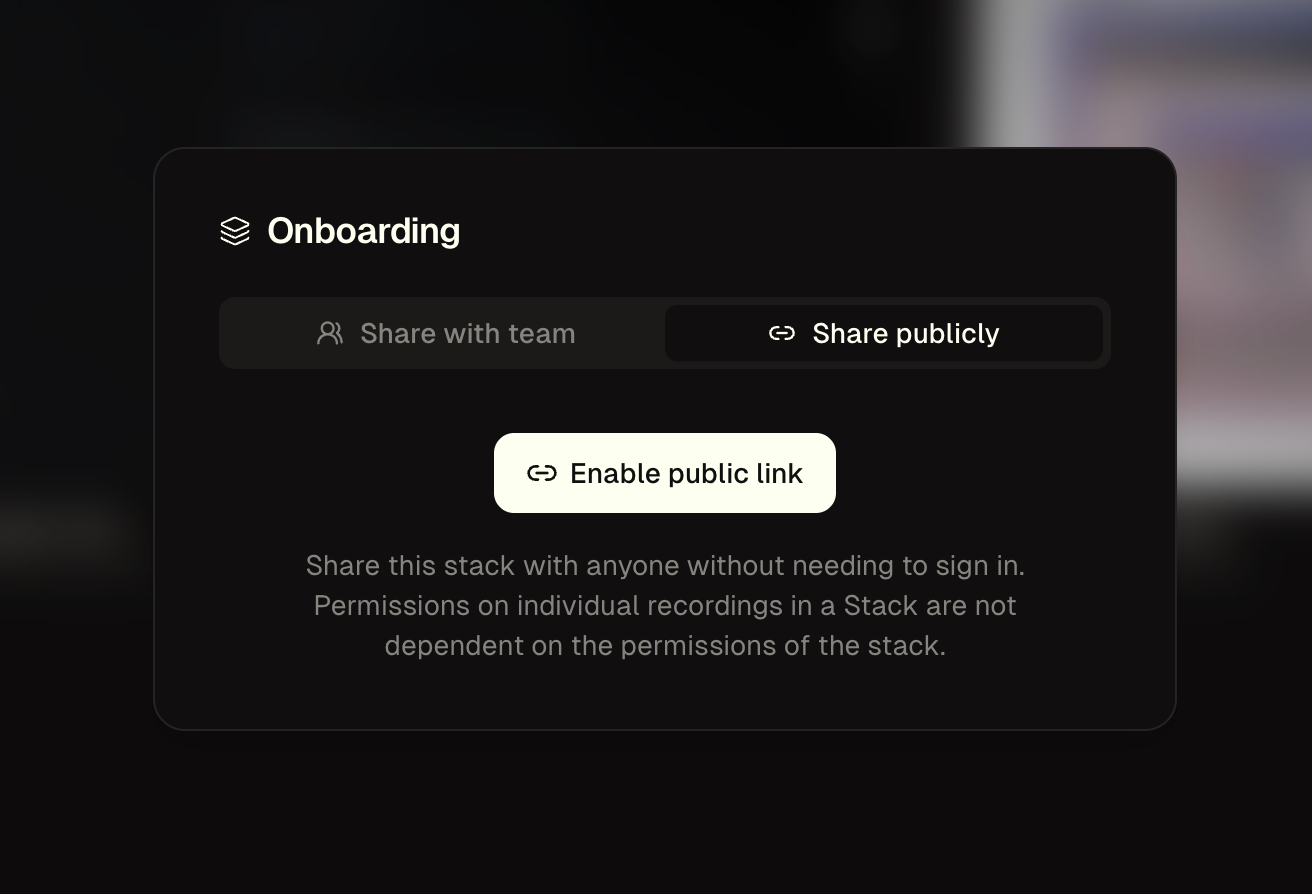
Public Stacks.
You can now share Stacks publicly outside of your workspace. Imagine sharing a collection of support video with your customers.
23 July 2025
macOS recorder v1.0.878
- Improvements across the app for memory handling
- Fixed an edge case issue which could affect uploads
- Updated in app shortcuts
22 July 2025
Move recordings between workspaces.
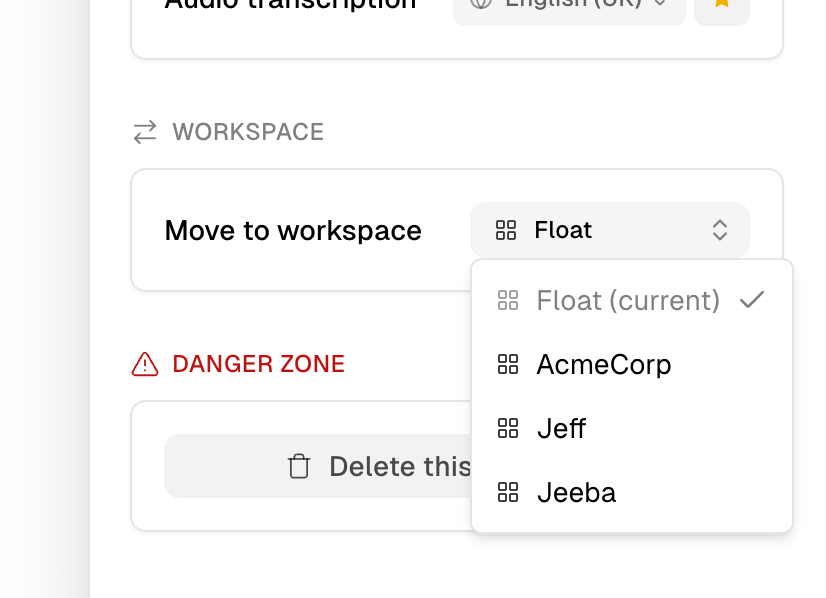
(You’ll find the dropdown located in the settings of any of your recordings)
18 July 2025
New Layout options.
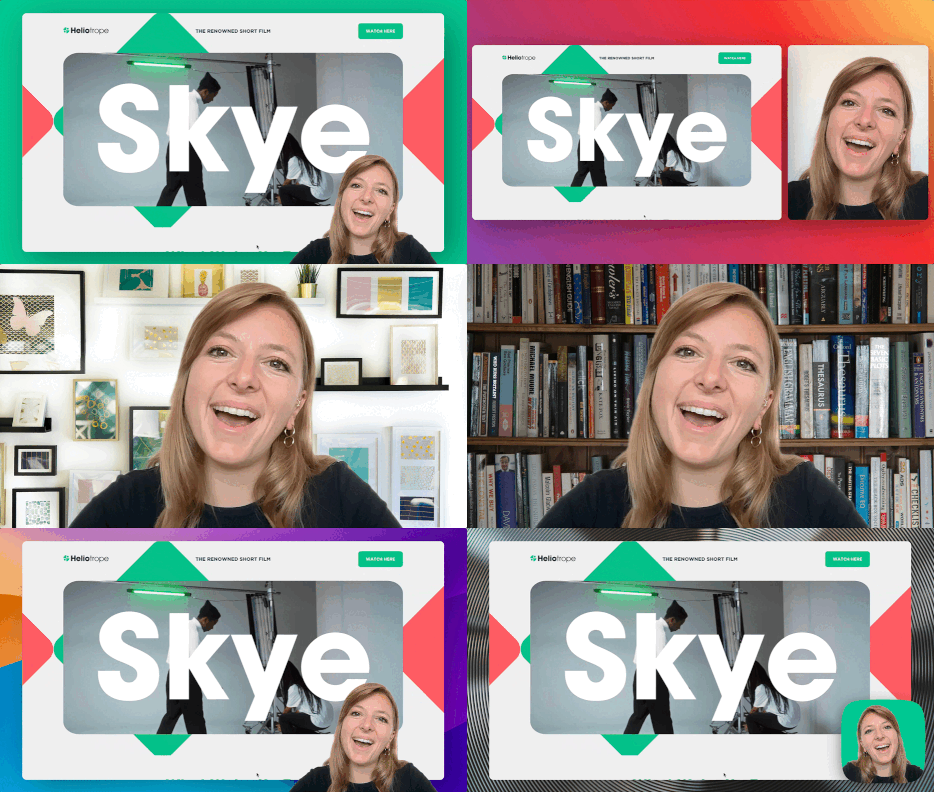
- Blur your camera background or add a cool image behind you.
- Add a background gradient or image behind your screen.
- Mirror your camera.
- Choose camera shape (circle/squircle)
- Improved layout UI.
15 July 2025
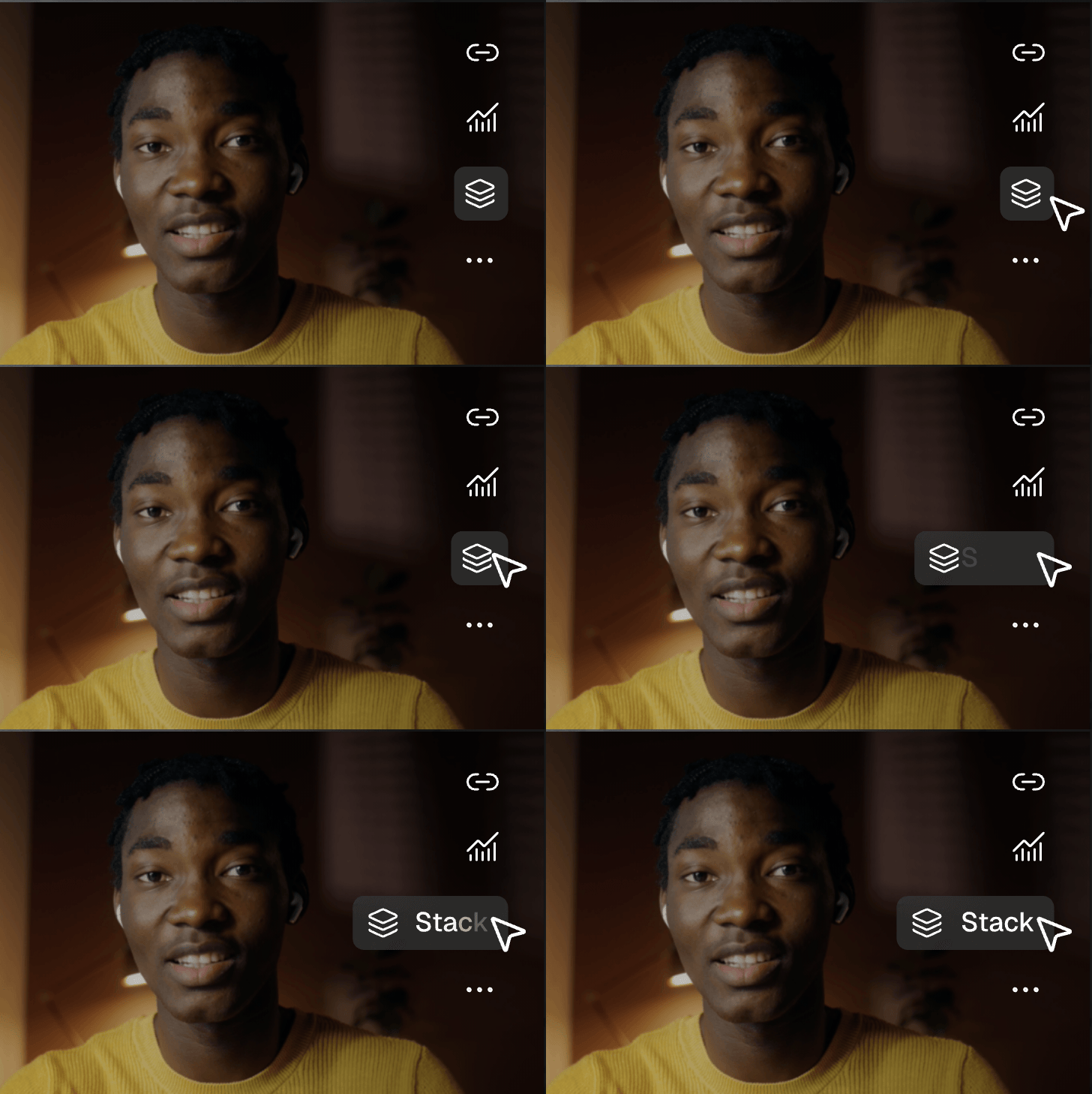
Stacks (v.1).
Organize your Supercuts into neat stack that are easily shareable. Make it super easy for your colleagues to get updates on a specific theme.
10 July 2025
macOS recorder v1.0.877
- Fixed an edge case audio mounting issue which could cause corrupted playback
- Added links to help / support
- Added links to change log
8 July 2025
macOS recorder v1.0.876
More improvements to stability and memory handling
- Bug fix a recent issue affecting application suspension and failing screen capture in some situations
- Improvements to Camera handling
- Improvements to Audio / Microphone handling
- Hardening of Screen capture and idle frame handling
- Switched back to default Dock app vs Status bar app (due to app suspension)
- Improvements to memory management
- Improved audio detection and alerts
- Added cancellation alert
19 June 2025
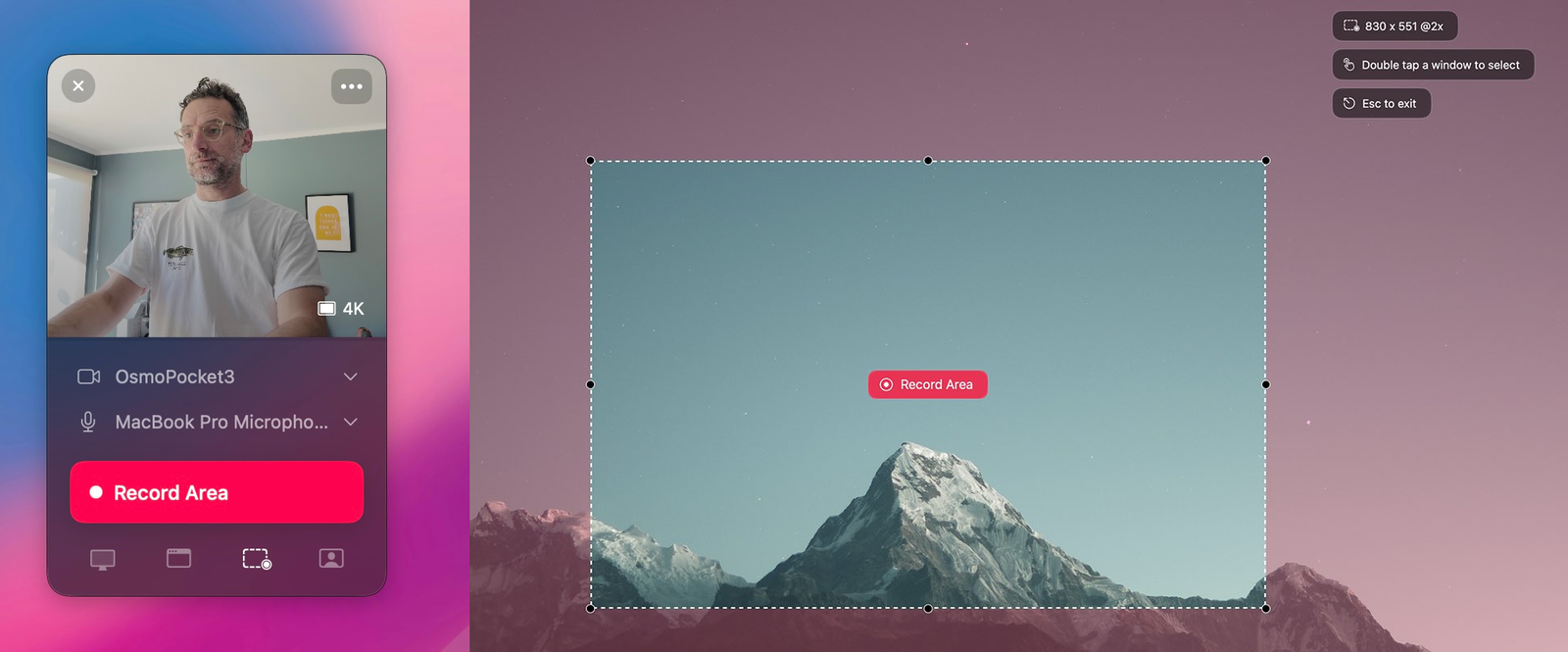
macOS recorder v1.0.871-1.0.873
A major update to the Mac application feature-set and UI/UX.
- New recording options and UI.
- 60 minute recording time.
- New menu system.
- Fixed a bug with the native menu system and a display issue over full screen windows on secondary displays.
- Many micro improvements to screen and window recording and handling.
- Fixed full screen window recording bug that could lead to black frames.
- Added a workaround to a known issue with Osmo Pocket cameras.
- New (opt-in) activity handling for forthcoming editing features.
- Improved camera stability across devices.
- Various improvements and fixes.
- Fixed a camera ratio bug for some devices caused in recent updates.
19 June 2025
@Mentions.
Mention anyone in comments and they will be notified.
19 June 2025
macOS recorder v1.0.874-1.0.875
Small updates around stability and beta releases
- Added new beta channel for early release access
- Fixed an edge case issue which could cause a crash in area handling
- Fixed an edge case issue which could cause a crash on some device handling
12 June 2025
Search.
We’ve just shipped Semantic search on Supercut. Currently just brings back records based on title and AI summary
28 May 2025
New mobile player UX.
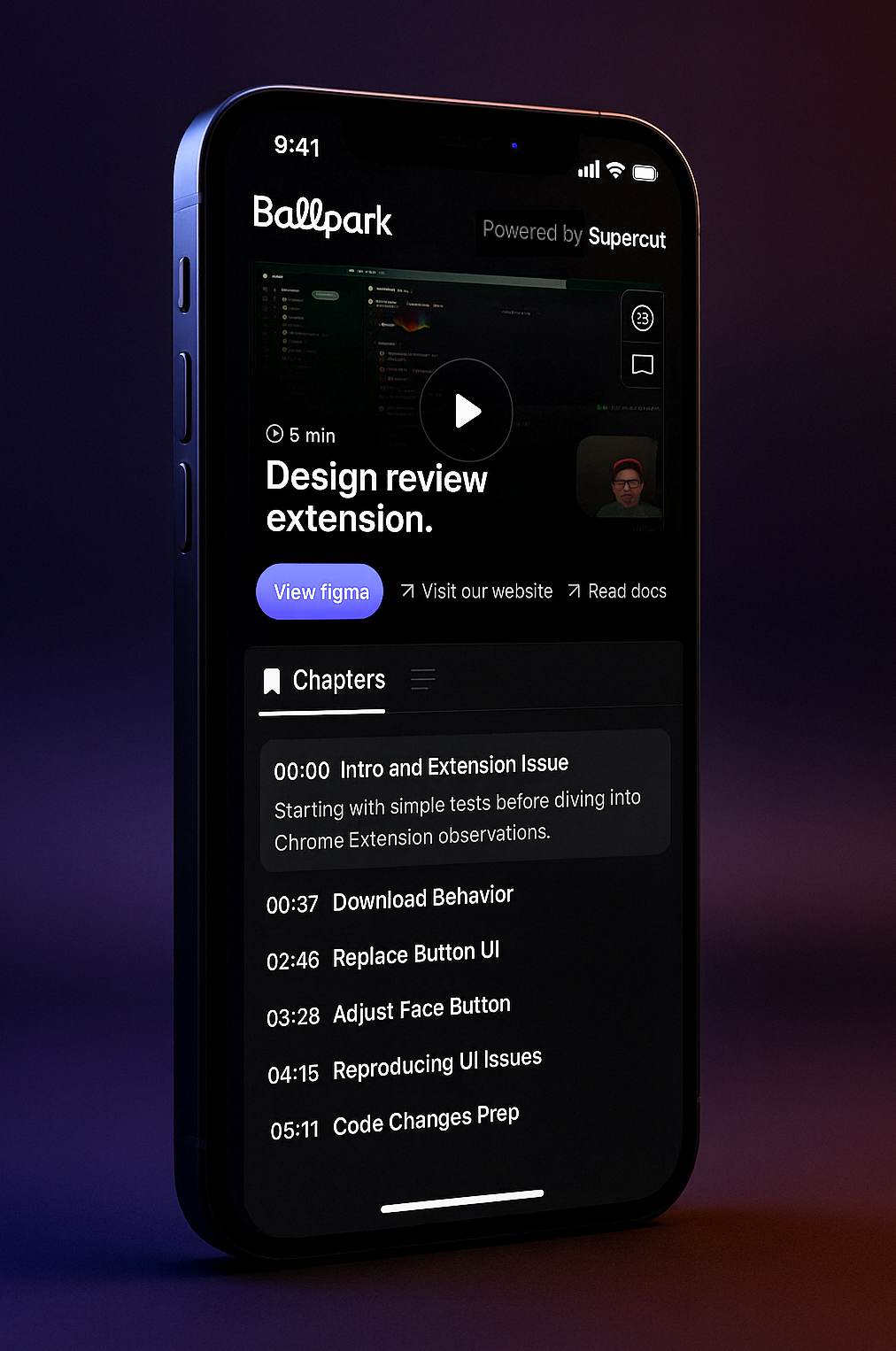
We made some big improvements on our mobile player UX, making sure all the right info is avail at hand on top of the fold whilst keeping the design as sexy as ever.
20 May 2025
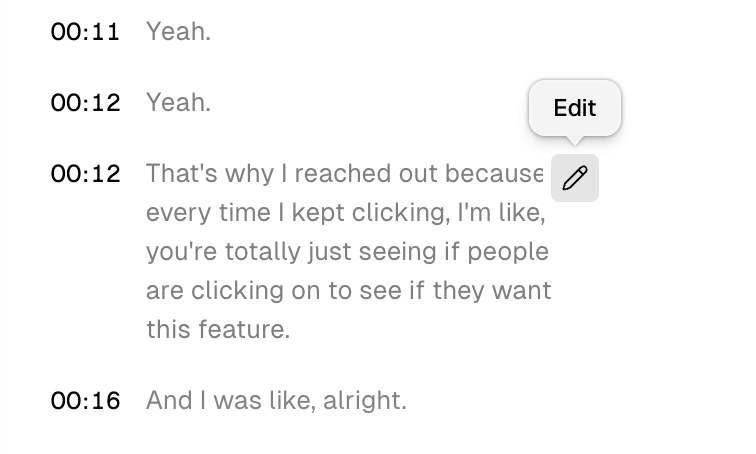
Caption editing.
We just shipped the ability to fix your captions in case something is off in the transcript. Sentence level trimming is also coming soon as well as auto-editing.
12 May 2025
Improved language control.
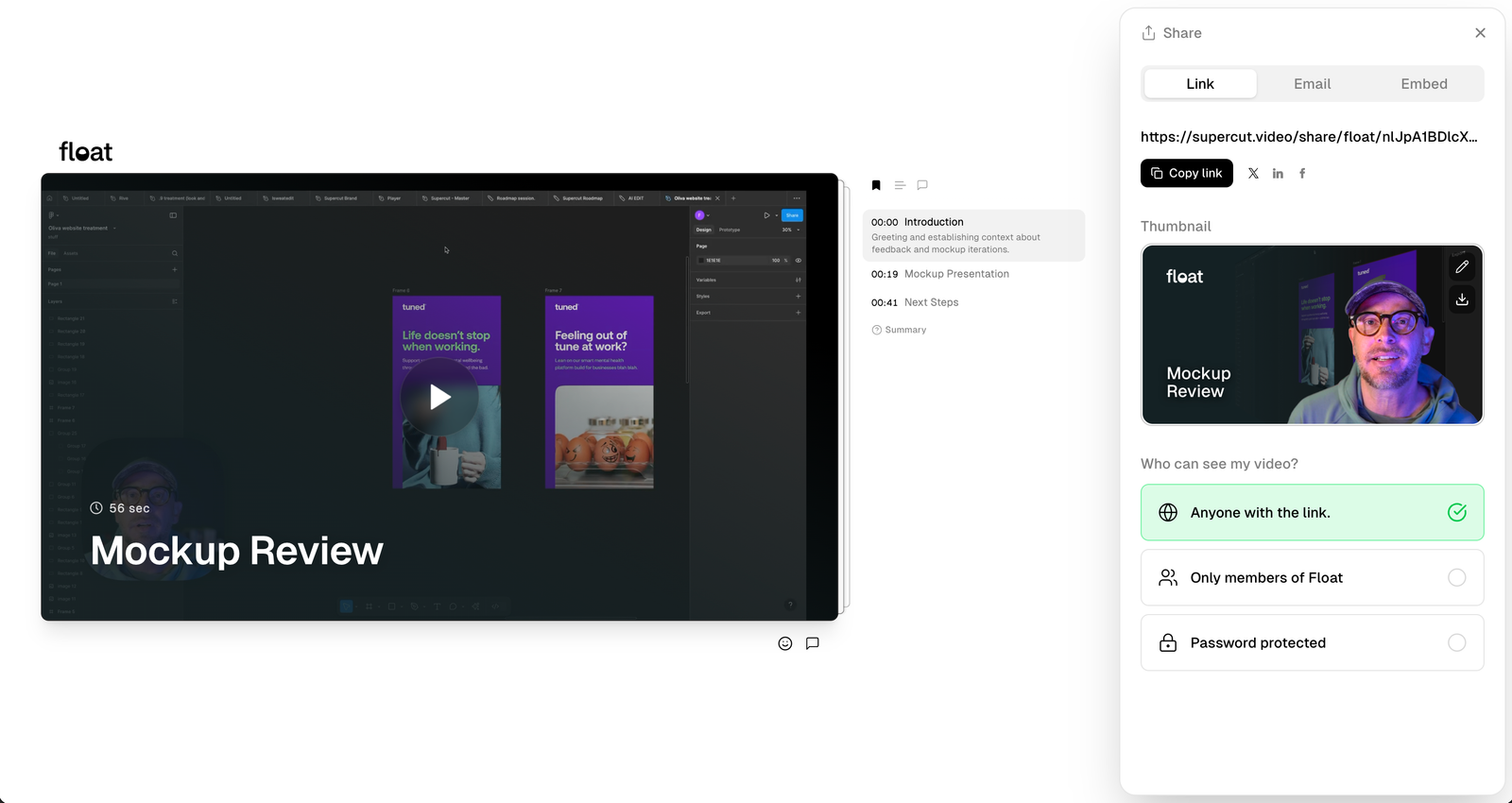
Auto-detecting a language can sometimes be tricky — it can be influenced by many factors. When needed you can now set a default language in your user level settings, or re-run the transcription with a different language from the settings panel on any recording.
20 April 2025
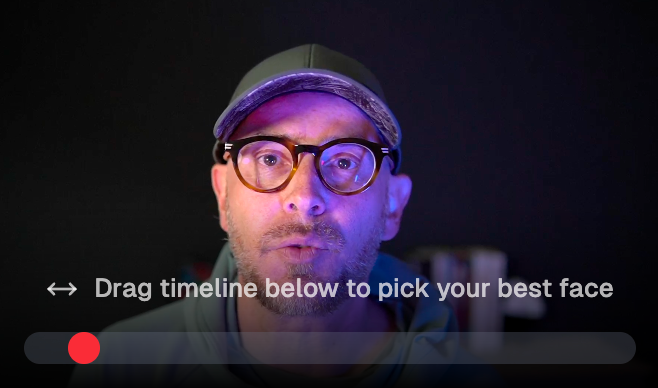
Thumbnail face picker.
Not happy wit the frame ツSupercut chooses for your thumbnails? change it.
11 April 2025
Player shortcuts.
We’ve added additional shortcut for all actions on the player:
Key C → Comment
Key R → React
Key M → Mute
KeyS → Toggle speed
Key A → Toggle captions
Key T → toggle theatre mode
Key F → Toggle full creen
Key 1-9 → Emojis
9 April 2025
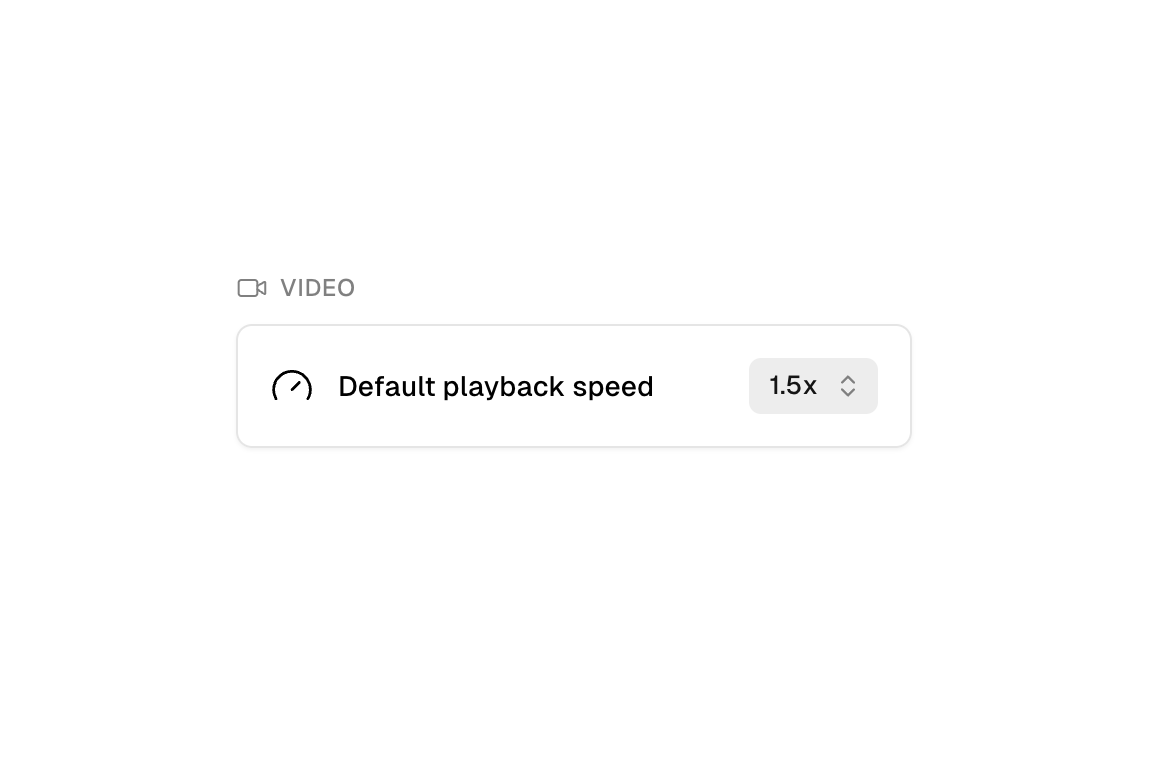
Set default speed.
Want to set a faster speed for your viewers to watch. We’ve added this option to your settings panel.
2 April 2025
Light mode in dashboard.
We started ツSupercut in the dark…now it’s also available in the light.