We only use cookies to enhance your experience. No cross-site tracking, no ads. Read our Cookie Policy.
Changelog.
New features, improvements, and fixes from the Supercut team.
20 May 2025
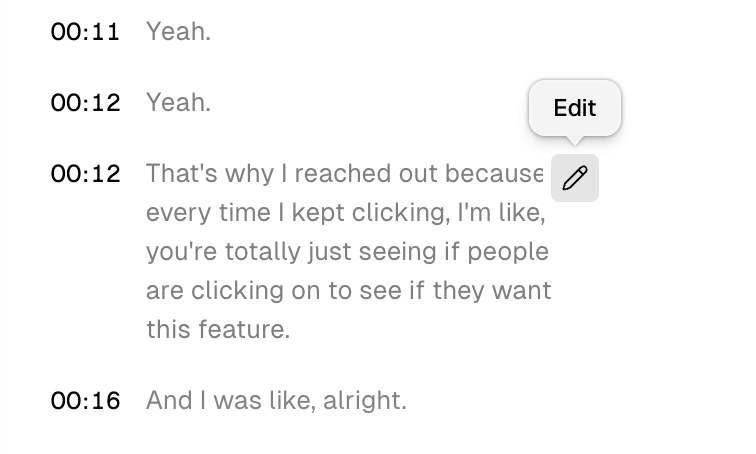
Caption editing.
We just shipped the ability to fix your captions in case something is off in the transcript. Sentence level trimming is also coming soon as well as auto-editing.
12 May 2025
Improved language control.
Auto-detecting a language can sometimes be tricky — it can be influenced by many factors. When needed you can now set a default language in your user level settings, or re-run the transcription with a different language from the settings panel on any recording.
20 April 2025
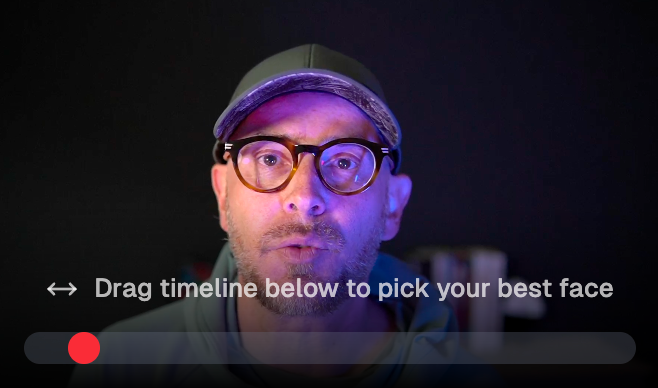
Thumbnail face picker.
Not happy wit the frame ツSupercut chooses for your thumbnails? change it.
11 April 2025
Player shortcuts.
We’ve added additional shortcut for all actions on the player:
Key C → Comment
Key R → React
Key M → Mute
KeyS → Toggle speed
Key A → Toggle captions
Key T → toggle theatre mode
Key F → Toggle full creen
Key 1-9 → Emojis
9 April 2025
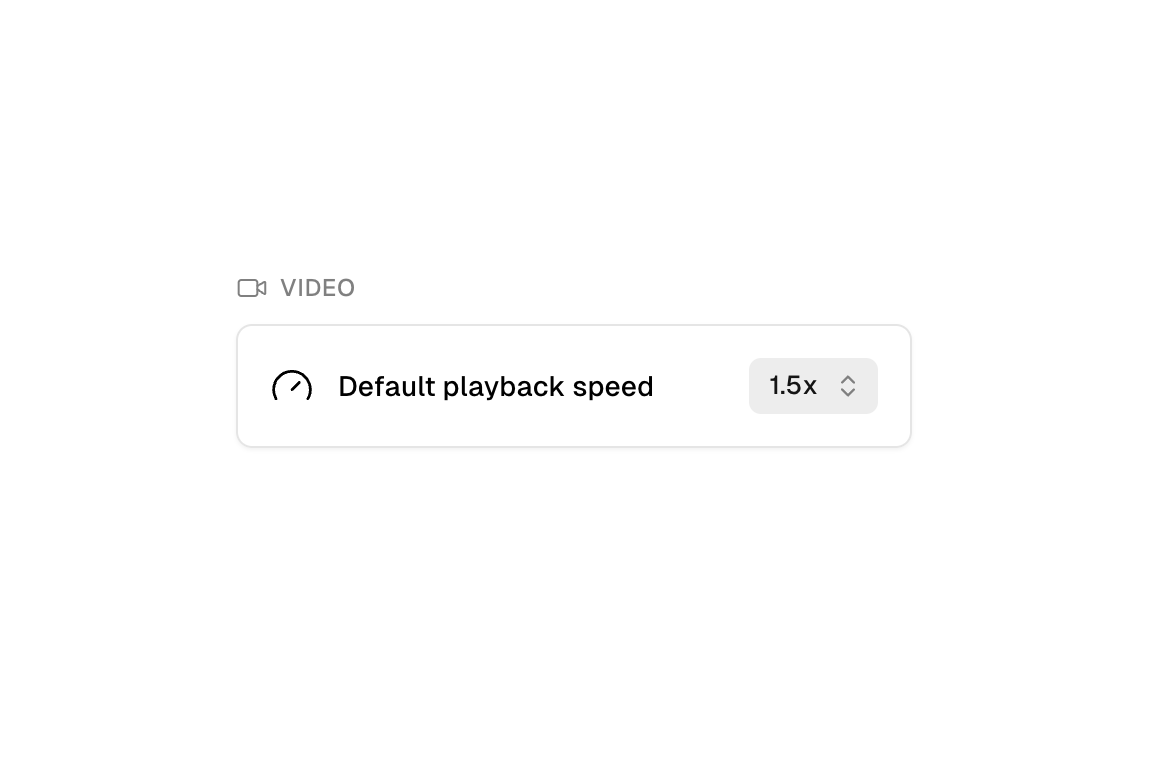
Set default speed.
Want to set a faster speed for your viewers to watch. We’ve added this option to your settings panel.
2 April 2025
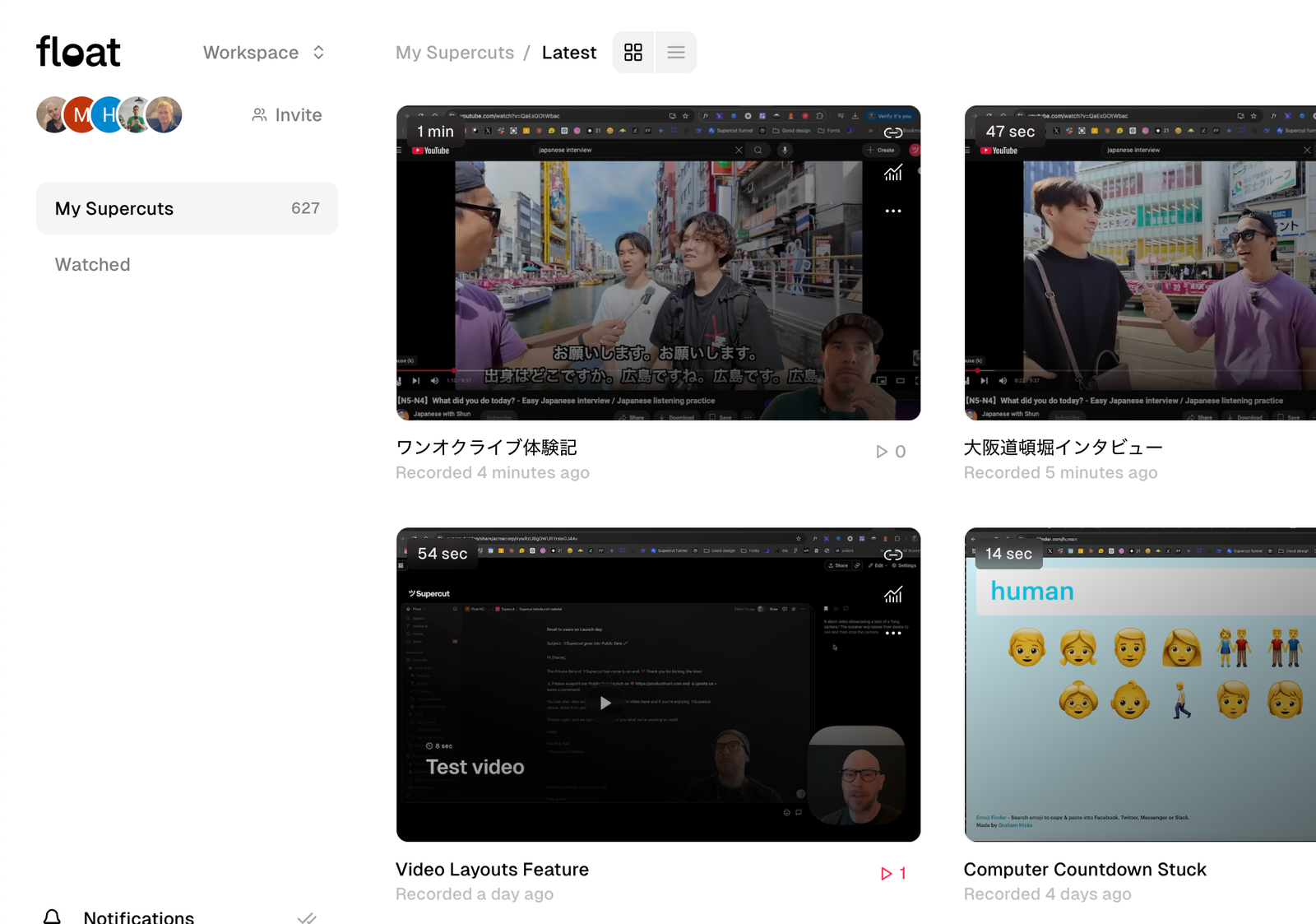
Light mode in dashboard.
We started ツSupercut in the dark…now it’s also available in the light.
27 March 2025
ツSupercuts embeds are now supported on Linear.
We love using Linear and now we can finally see our own team Supercuts beautifully rendered inside our Linear issues. Just paste any Supercut link into Linear and 💫.## 25 March 2025 ツSupercut Public Beta.
After months of tireless work, we’ve finally opened up to the world 🌍.

20 March 2025
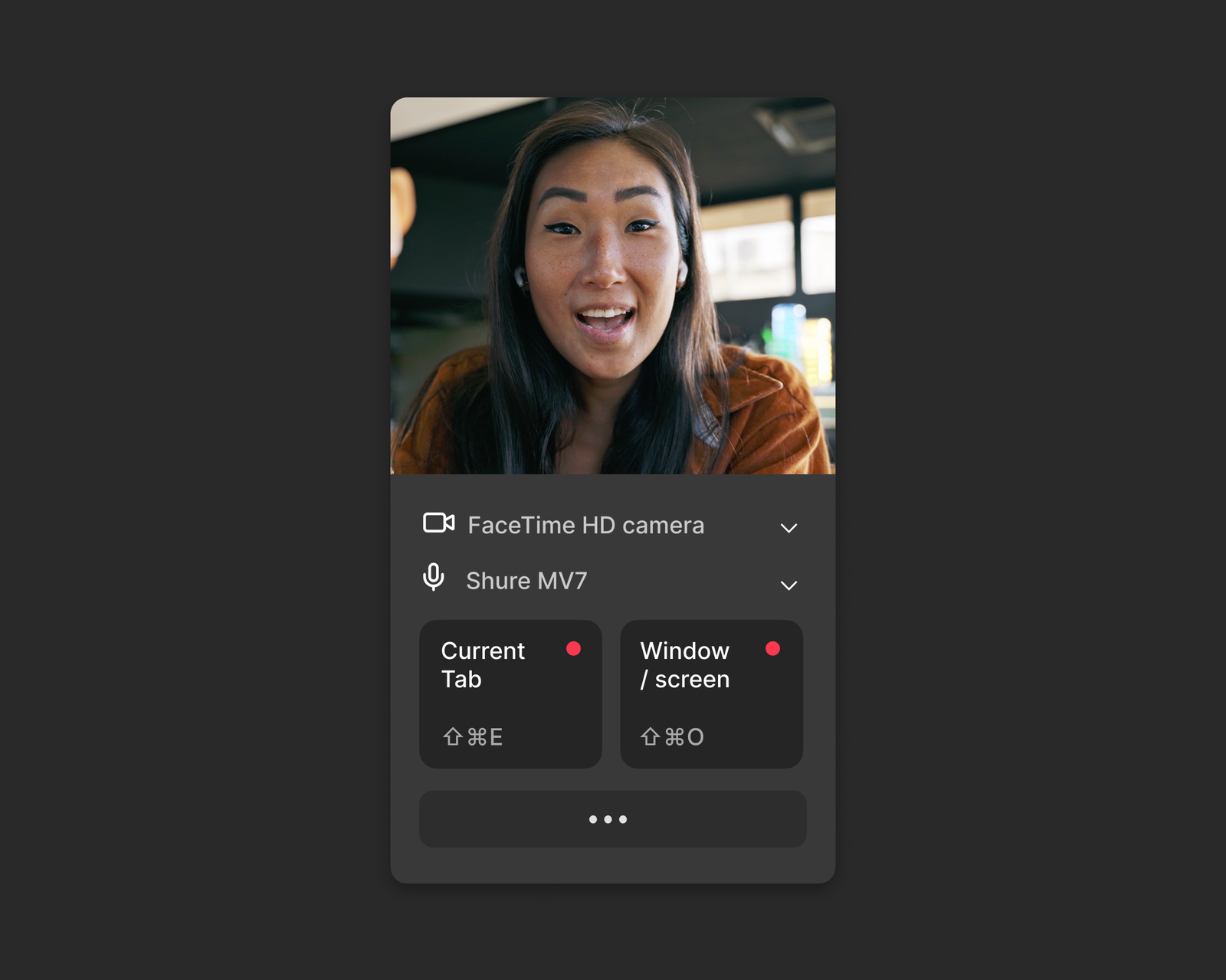
Chrome extension.
Record ツSupercuts from within your browser. → Get it now.
11 March 2025
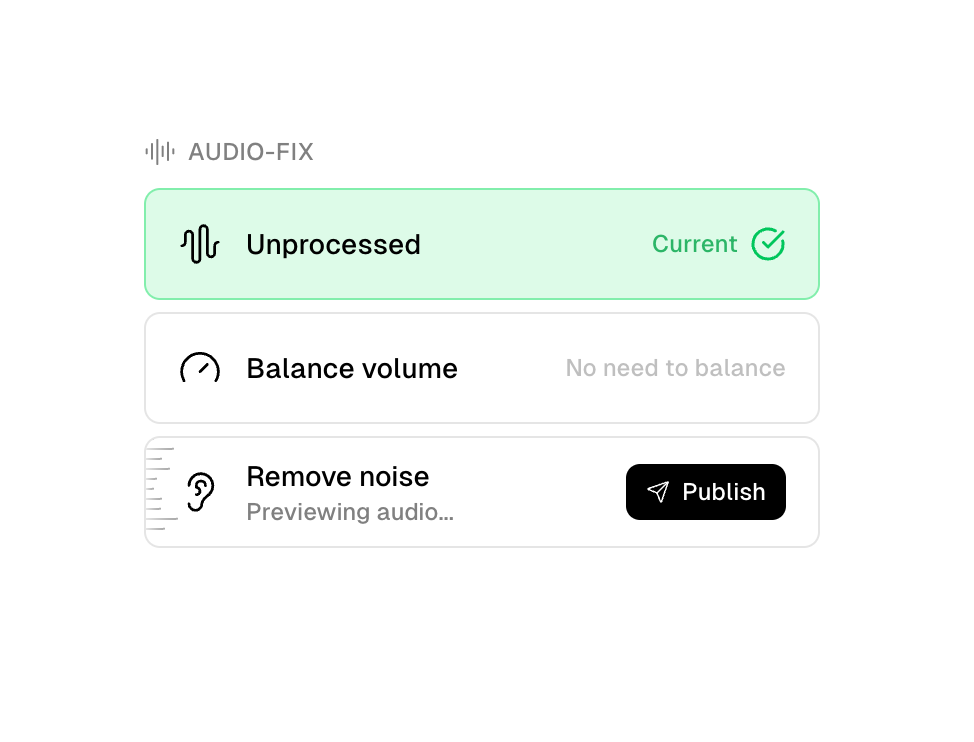
Audio-Fix.
Balance sound levels and remove background noise when needed.
3 March 2025
macOS recorder v1.0.865 → 1.0.866
As we head towards public beta, we’ve been working hard to improve the experience across the Mac application and video pipeline.
- Better upload reporting, the upload debug view should now be a lot more responsive.
- Added new "completed" view to uploads with a link to the final recording.
- Swapped out the database handling, this is a big update to counter some stability issues we were bumping into from time to time.
- CPU load checks before recording. We will now warn you if your recording could be impacted by the health of your system.
- HD 720p recording option, for slower machines and users that value speed over everything else.
- Improved recording performance handling.
- Improved authentication handling around the application.
- Various memory improvements.
14 February 2025
Timestamped Comments, Reactions + Activity Feed.
We just shipped a BIG piece of the puzzle for ツSupercut, watch video below.
13 February 2025
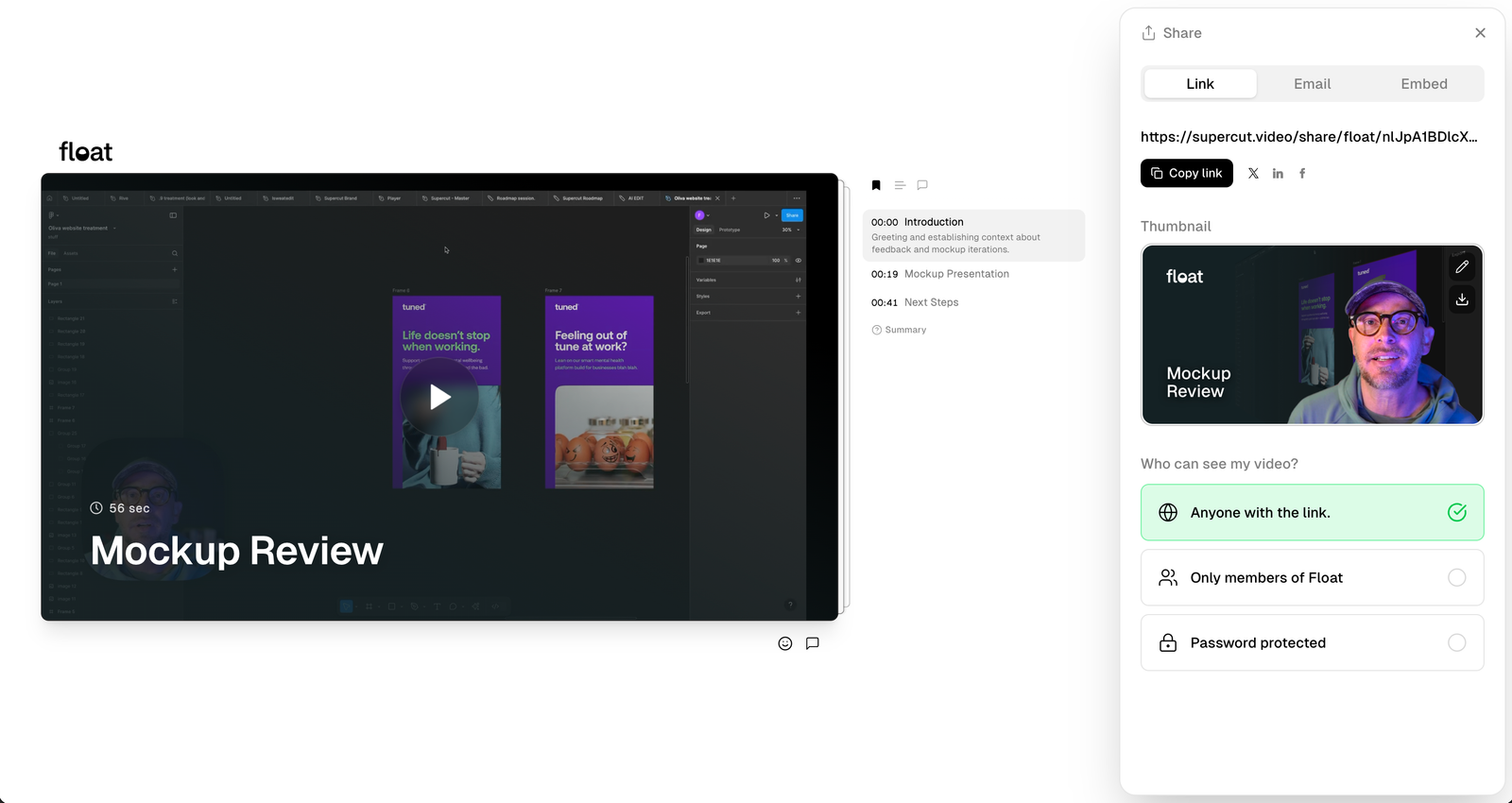
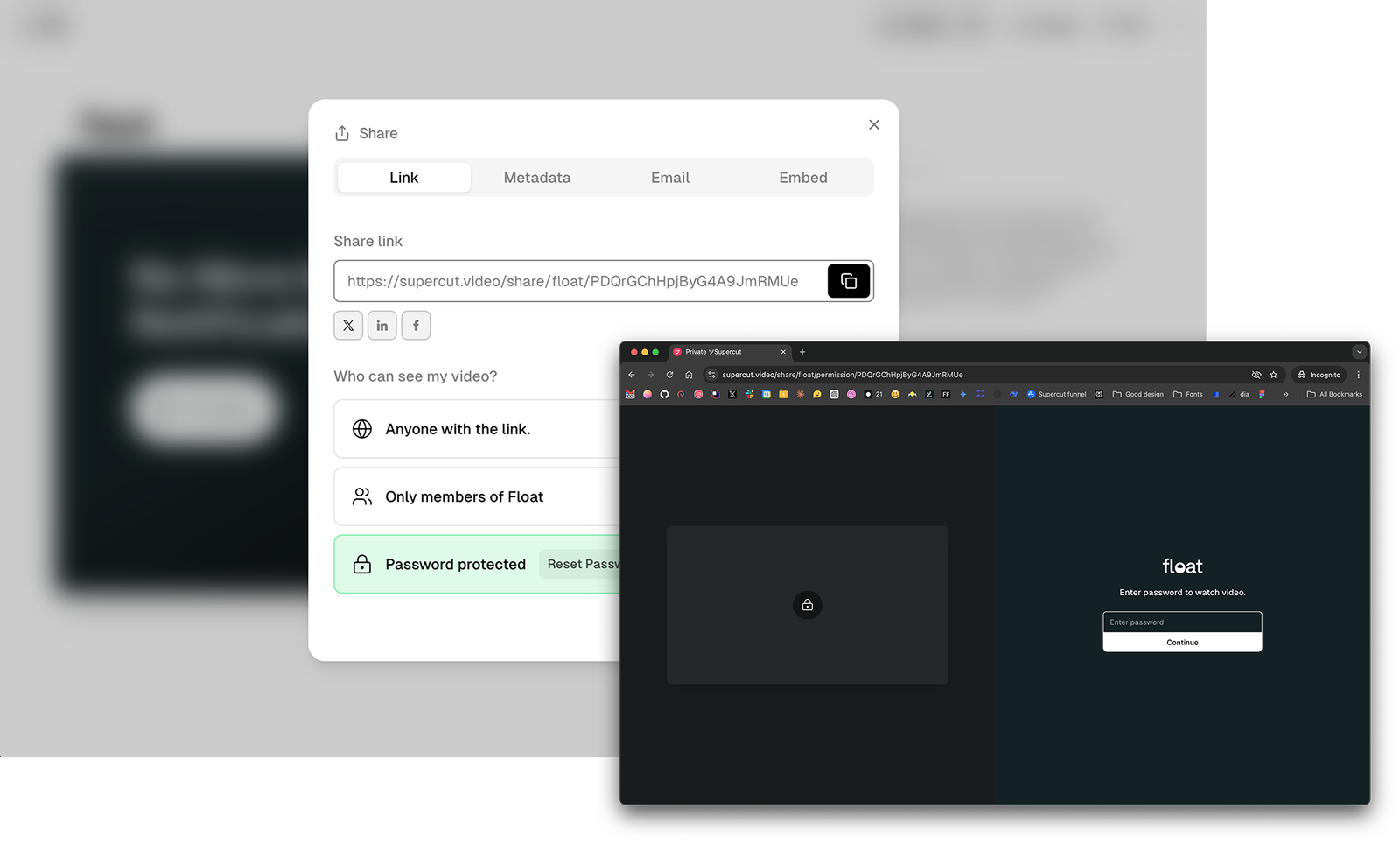
Share Permissions.
Control who can see your ツSupercuts! Anyone with link, members in your workspace or password protect.
27 January 2025
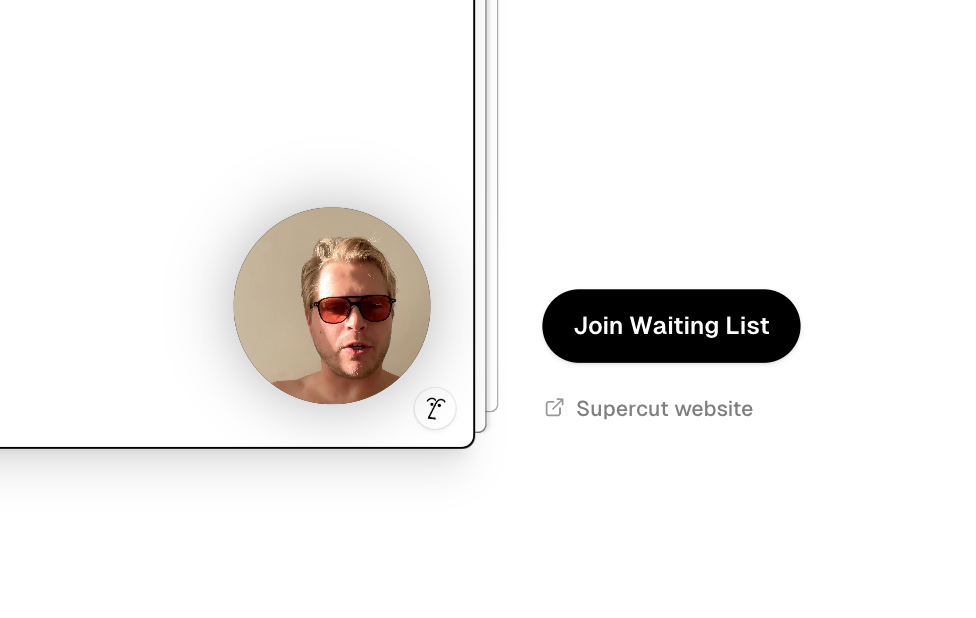
New bubble layouts added.
We’ve added a a few more layouts by popular demand → Smaller fully sounded bubble
19 December 2024
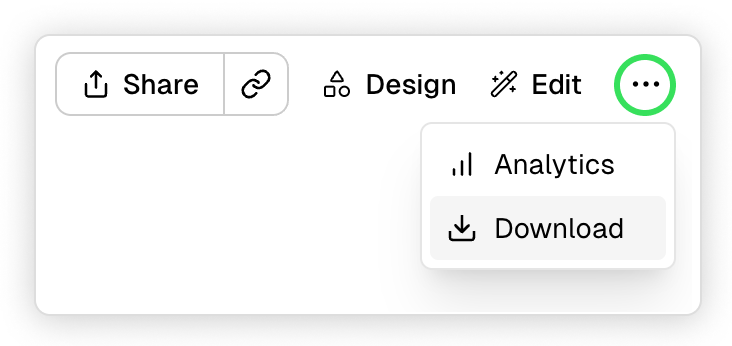
Instant branded downloads!
Up to 4k downloads generated almost immediately after recording! Available for new recordings and re-rendered recordings in your dashboard.
4 December 2024
macOS recorder v1.0.863
- Stability updates across slow connections and offline recordings.
- New menu options for quick access to record
- Advanced setting: Background mode / Hidden dock icon